Applus Technologies, Inc. Smog DADdy User Manual VER 8.2 Page 18 of 55
Performing a Self-Test
The self-test verifies that Smog DADdy and the vehicle DLC cable are functioning properly.
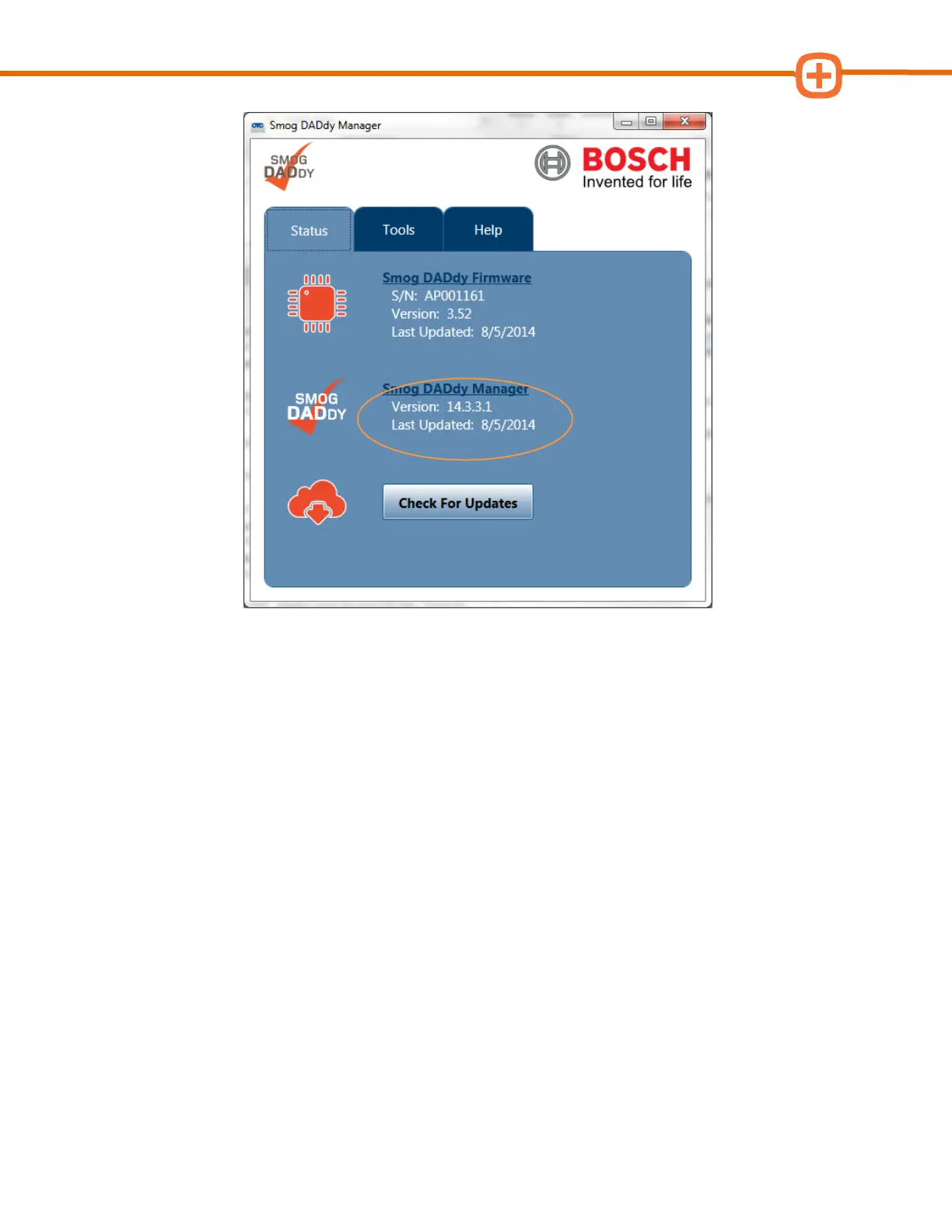
1. If the Smog DADdy Manager software is already running, click the icon in the Windows
System Tray to bring the application to the desktop. If the application is not running,
select Program Files from the Start Menu, navigate to the Bosch folder and select
Smog DADdy Manager.
2. Connect Smog DADdy to your computer using the USB cable provided.



 To Next Page