Applus Technologies, Inc. Smog DADdy User Manual VER 8.2 Page 35 of 55
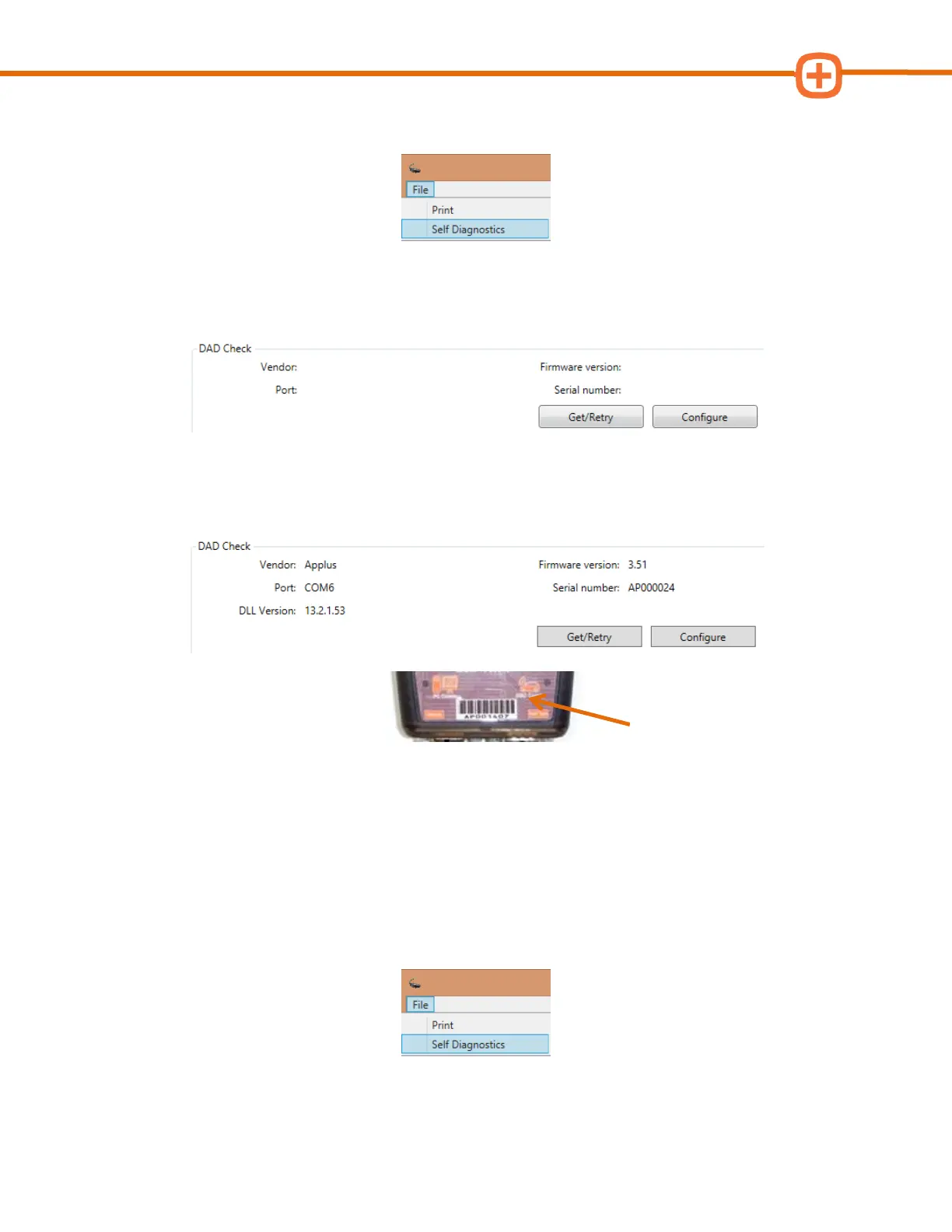
4. Click on the BAR-OIS File menu and select Self Diagnostics.
5. Confirm BAR-OIS can successfully communicate with Smog DADdy by clicking on
Get/Retry.
6. Verify the serial number displayed matches the serial number shown on the Smog
DADdy decal.
7. Select Return to BAR-OIS.
Updating BAR-OIS Configuration
If you ever need to change the port configuration, follow these steps.
1. Click on the BAR-OIS File menu and select Self Diagnostics.



 To Next Page