Applus Technologies, Inc. Smog DADdy User Manual VER 8.2 Page 16 of 55
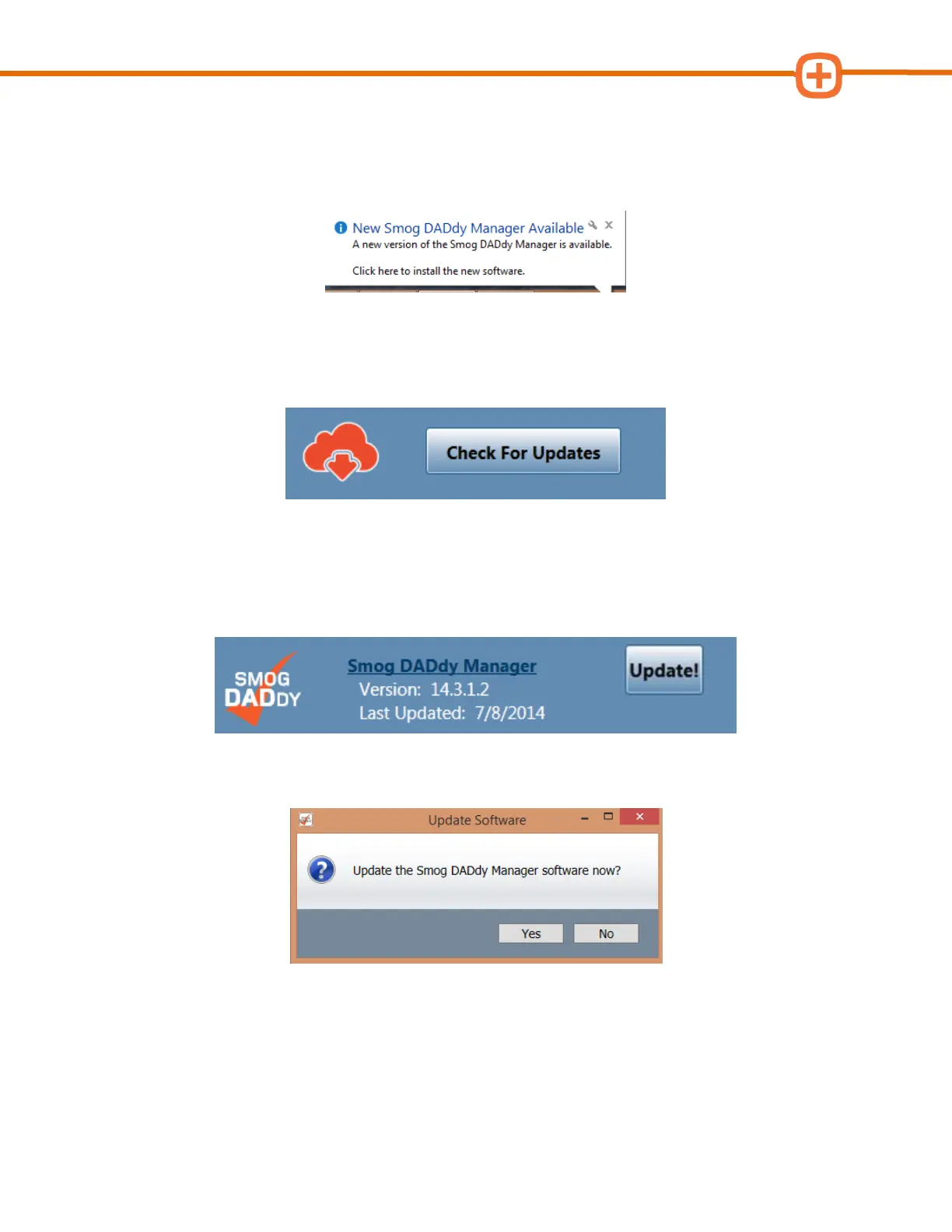
2. If alerted of an update via Windows Update Balloon as shown below, click the Balloon
and proceed to step 5.
3. To check for updates manually, click Check for Updates.
4. When a software update is available, an ‘Update!’ button will appear to the right of the
Smog DADdy Manager Version. Click on Update! to initiate the update process.
5. When prompted for confirmation, select Yes.
6. Read and agree to the licensing terms by clicking on the box to the left of ‘I accept the
terms in the License Agreement’.
7. Click Install to begin the installation update.



 To Next Page