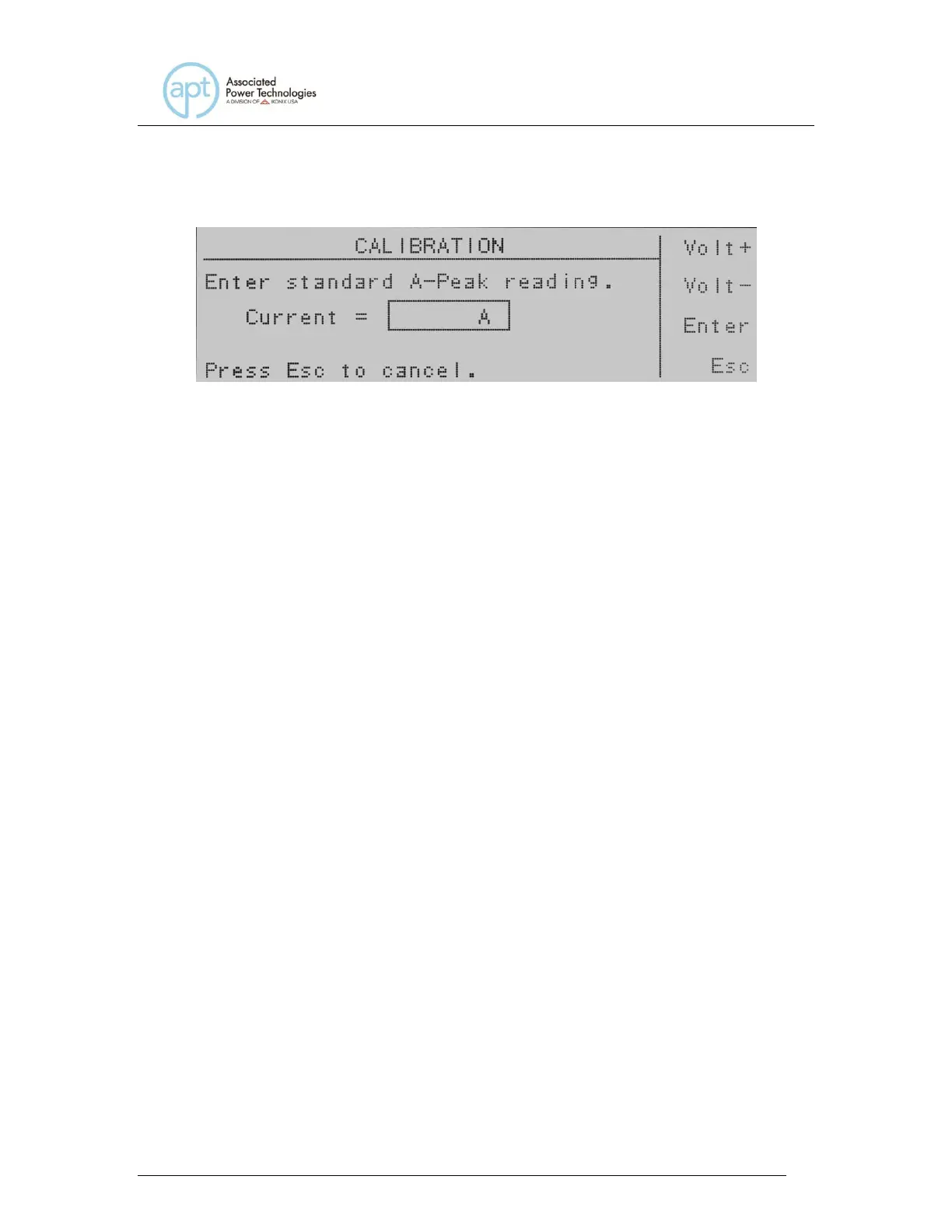
key at this screen you return to the calibration mode screen.
Enter the current reading from the ammeter with the numeric keypad. When the
value has been selected press the Enter soft key and you will be moved to the
next calibration parameter Volt 150.0V. The soft keys Volt+ and Volt- are
available, if needed, to adjust the voltage output of the instrument to set a proper
peak current value if a non-recommended load is used. If you press the Esc soft
key you will be returned to the calibration mode screen.



 To Next Page