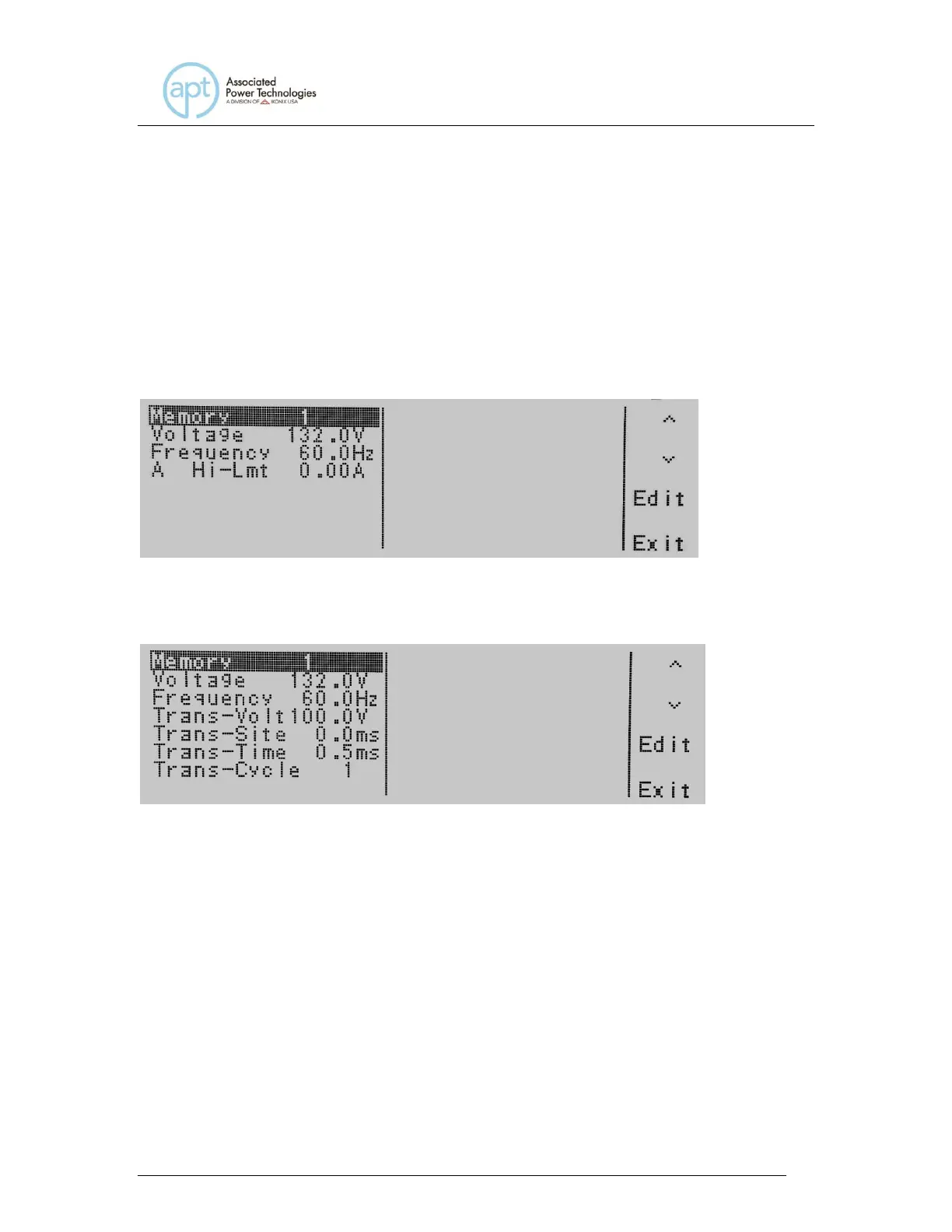
If the Transient parameter is turned OFF you will not see the testing parameters
for Trans-Volt, Trans-Site, Trans-Time, and Trans-Cycle. If the Transient
parameter is turned ON you will not see the testing parameters for Ramp Up,
Timer Unit, Delay, Dwell, Ramp Down, Step Cycle, A Hi-Lmt, A Lo-Lmt, P Hi-Lmt,
P Lo-Lmt, Ap Hi-Lmt, Ap Lo-Lmt, CF Hi-Lmt, CF Lo-Lmt, PF Hi-Lmt, PF Lo-Lmt,
VA Hi-Lmt, VA Lo-Lmt, Q Hi-Lmt, and Q Lo-Lmt.
If the system parameters are set to MANUAL Mode the following display will be
shown:
If the system parameters are set to MANUAL Mode and the Transient parameter
is turned ON, the following display will be shown:
Use the , soft keys to navigate to the testing parameter that will be changed.
When you press the Edit soft key you will be moved to the specific parameter
screen for editing. If you press the Exit soft key you will be brought back to the
set screen.
4.6.1 Editing Start and End Angle (PROGRAM Mode only)
Use the , soft keys to navigate to the Start Angle or End Angle parameter
(only selectable for AC output). Pressing the Edit soft key will provide one of the
following screens:



 To Next Page