4.6.3 Editing the Memory (PROGRAM Mode only)
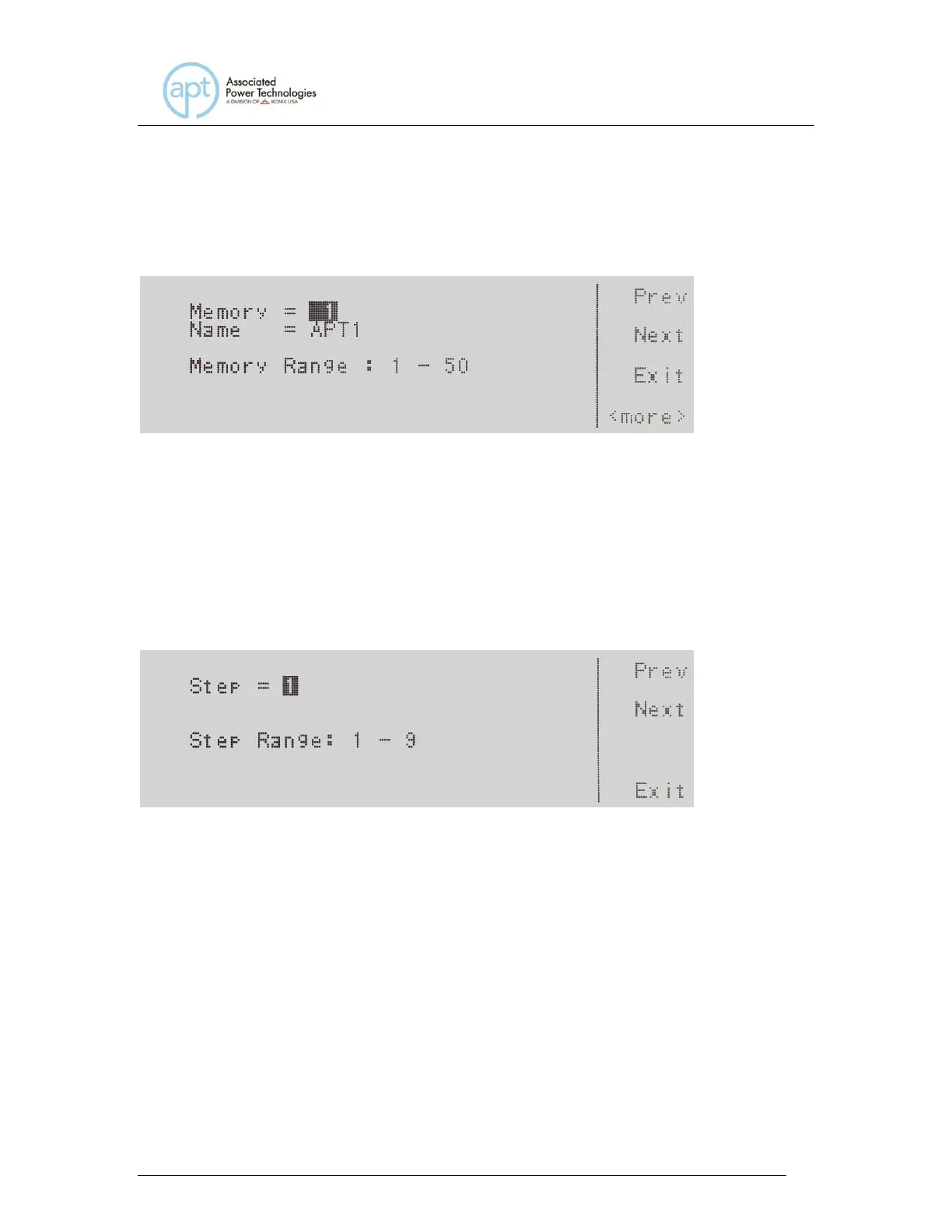
Use the , soft keys to navigate to the Memory parameter. Pressing the Edit
soft key will provide the following screen:
Refer to section 4.3.1 for editing the Memory. If you wish to bypass editing this
parameter and move to the next parameter you can press the Prev or Next soft
key.
4.6.4 Editing the Step (PROGRAM Mode only)
Use the , soft keys to navigate to the Step parameter. Pressing the Edit soft
key will provide the following screen:
Step = indicates the step location within the memory.
Step Range: 1 – 9 indicates the step ranges available for selection.
To change the step, use the numeric keypad to select the step number and press
the Enter soft key to accept the step. To cancel the editing of the step number,
press the Esc soft key.
The Step parameter can also be edited from the set screen. If you hit the Step
soft key, you can use the Step + and Step – soft keys to increase or decrease the
step number.
When the Enter soft key is pressed and the Step is accepted you transition into



 To Next Page