Page 21
Troubleshooting Controller
—
No. of flashes Fault Description Resolution
1 Power Failure Firstly, minimise waste water creation while this alarm is active. If power on within the house,
please check circuit breaker within power meter cabinet and controller. If both of these are cor-
rect, then electrical cabling may not have been installed correctly.
2 High Level Alarm This could be caused by a sudden discharge such as from a swimming pool. Check pump running and
minimise waste water creation until pump catches back up. Once pump has fluid level below high
level, Alarm will self-clear. If still unclear aer an hour, contact customer service. Their details are on
the side of the control panel.
3 Motor Max Run Time Exceeded
or Max Starts Exceeded
These setting are there to protect the pump from excessive use and shouldn’t appear during normal
operation. It can occur during empting a large pool. Minimise waste water product for the next hour.
Alarm can be reset by hold the mute button in for 15 seconds.
4 Over Pressure Protection Optional pressure sensor connected via BI4, which is normally closed unless the pressure within the
system goes beyond the pre-set amount and it opens and triggers this alarm. If pressure sensor not
installed then BI4 must be jumpered to stop this alarm from occurring. The SPC will retry to pump
(self-clear) once the pressure within the system reduces and the sensor closes.
5 Motor Over Current Motor drawing more power than what is selected via dip switch SW3. Confirm SW3 has been set
correctly for the pump and expected pressure within the system. If SW3 correctly set, then pump is
either seeing high system pressure or is jammed.
6 Motor Under Current Motor not drawing any current. This could be caused by: Circuit breaker switch tripping within the
controller; Pump thermal overload; or that the pump has not been connected correctly.
7 Battery Fault The SPC is configure to expect a Battery via dip switch SW2-4. If battery hasn’t been installed and you
are getting this error then switch SW2-4 to off (down). If there is a battery then it may either be not
plugged in correctly or be faulty. The battery can sometimes take a minute or so to be detected and
seen to be charging, so even if the battery has been plugged in correct it might take a little while to
self-clear. If you can see the battery is connect correctly, and is indicating a voltage on the LCD, you
can reset this error by holding the mute button in for 15 seconds.
8 Probe Fault This error occurs if the probe’s output goes outside the defined range or is measuring less than
10mm of fluid in the tank. Check the probe for built up or that it is functioning correctly, otherwise
confirm that the probe is in the fluid.
Strobe Flash Sequence
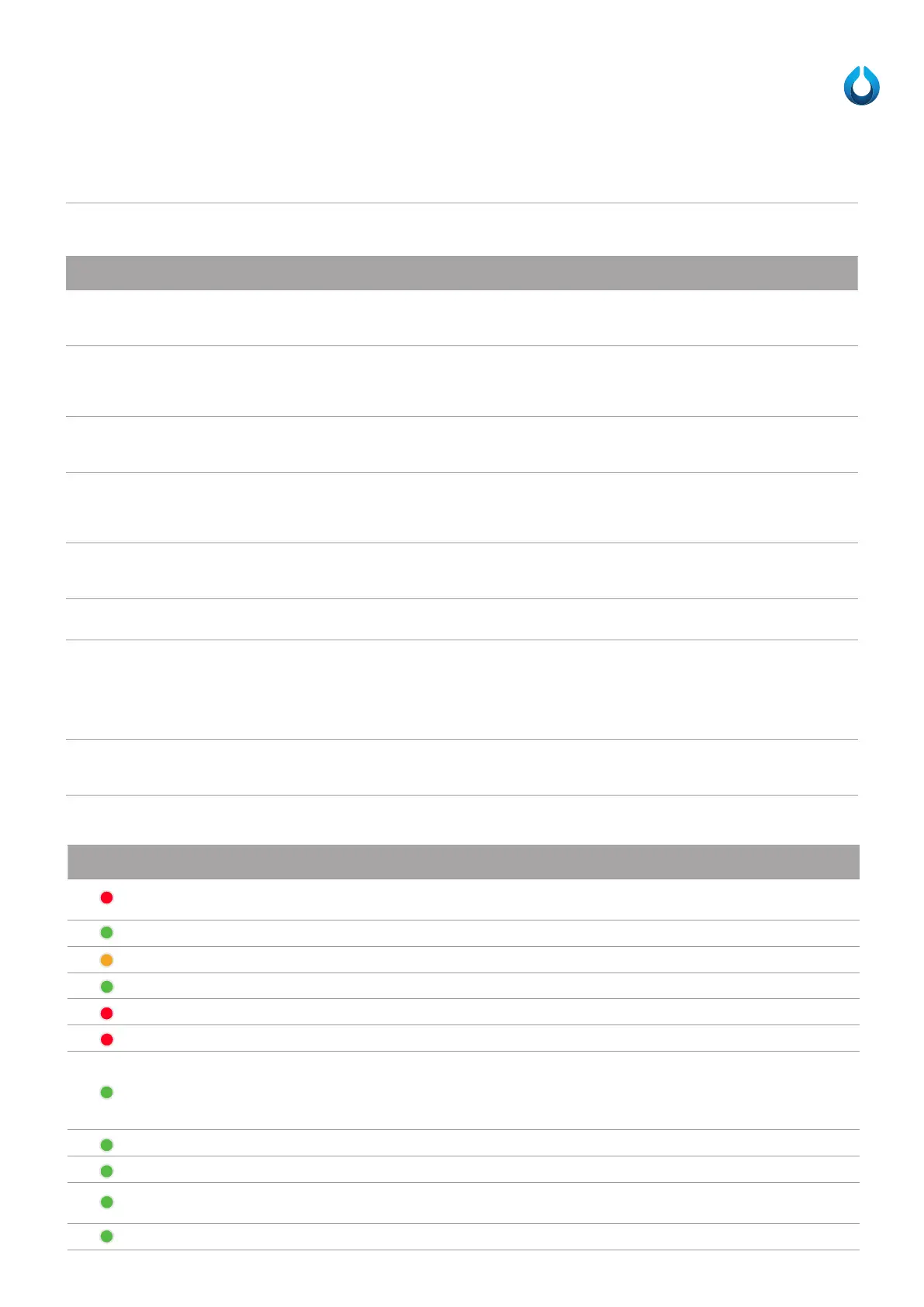
LED Colour Label Name Description
General Fault
Flashes when a fault occurs/alarm is raised. This LED’s flash sequence matches “Strobe Flash
Sequence”.
Mains power Voltage OK On if the AC is within range. Off means the AC is out of range.
Mains power voltage fault Off if the AC is within range. 1 flash for low, double flash for high.
Pump On On = motor running; flashing = override switch (manual mode); Off = Pump Off
High-level Alarm High-level alarm is triggered.
Over Pressure On when the over pressure input is triggered.
Level Status
Indicates Probe level:
- Off if fluid level under ProbeStop or if ELC-Trans mode not selected.
- On if fluid level between ProbeStop and ProbeStart.
- Flashing if fluid level above ProbeStart.
Battery Backup Status Indicates battery status. On = battery Ok; Flashing = battery charging; Off = No battery.
MODBUS data activity MODBUS activity. On when traffic is being sent on MODBUS.
Mobile Device Status
On = Enabled and registered with carrier; Flashing = Enabled but no registration; Off = Disabled/Not
Installed
Mobile Signal Status On = 4 or 5 signal bar; Flashing = 3 or less signal bar; Off = No Signal;
LED’s - The LED’s visually indicate the status of the SPC



 To Next Page