32 - 60
IsACQ110C-0 (ENG) Rev.230708-0
Power Unit Menu
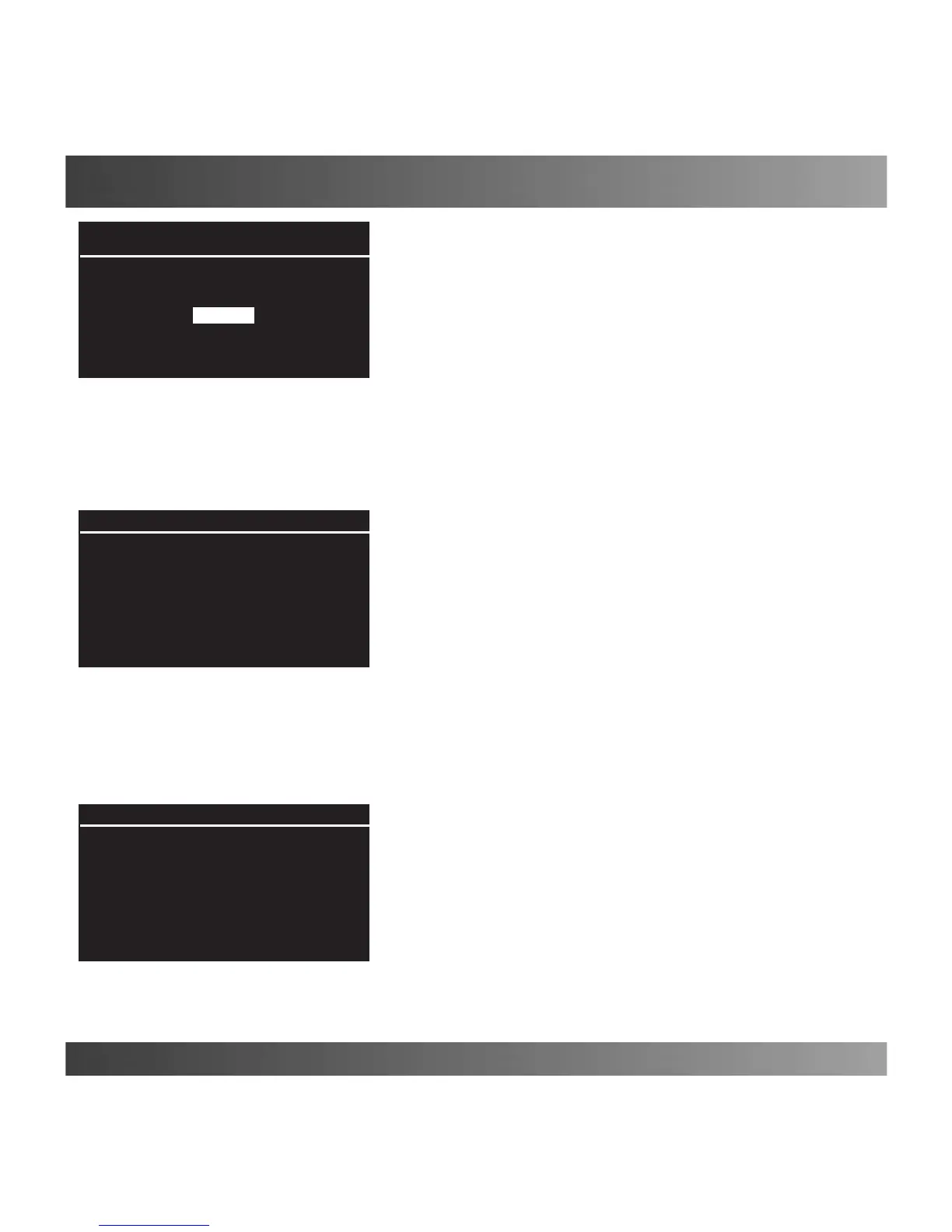
Wave Effect (Fig. 38)
This function can create one or more wave effects in an
aquarium.
To set this function, proceed as follows:
Main screen Main Menu Power Unit Wave Effect.
Insert
•Two-pumpWaveEffectwithoutpause:
setthetimeintervalwhichtheeffectwillbeproduced,selec-
tingfromthevalues“From” and “To”.
Choose the two pumps necessary for the effect from the list
ofavailableoutputsandassignanONtimeforeachpump(in
seconds)foundontherightsideofthescreen.
Intheexampleshowninthegure(Fig.39)aWaveEffecthas
beensetfrom14.15to17.15everydayoftheweekinwhich
thepumps“PumpSX”and“PumpDX”functionalternatelyat
intervalsof10seconds.
•Two-pumpWaveEffectwithpause:
setthetimeintervalinwhichtoproducetheeffect,settingthe
values“From” and “To”.
Selecttherstandthirdeldsandplaceinthemthetwopumps
tobeusedfromthelistofavailableoutputsandassignanON
timeforeachpump(inseconds)foundontherightsideofthe
screen.
Inthesecondeld,selectthe“Pause option” and, on the
rightsideofthescreen,settheamountoftimeforthepause.
Intheexampleshowninthegure(Fig.40)aWaveEffect
hasbeensetfrom14.15to17.15everydayoftheweek,in
whichthepumps“PumpSX”and“PumpDX”functionalter-
natelyatintervalsof10secondswithpausesof5seconds
after each pump turns off.
(Fig. 39)
Wave Effect
From 14:15 To 17:15
Pump SX 10s
Pump DX 10s
Not Dened 0s
Mo Tu We Th Fr Sa Su
(Fig. 38)
Wave Effect
Insert
(Fig. 40)
Wave Effect
From 14:15 To 17:15
Pump SX 10s
Pause 5s
Pump DX 10s
Mo Tu We Th Fr Sa Su


 To Next Page