47
DATA AND SETTINGS
Quits without confirming the
changes
Saves the changes
Cancel
Exits
Confirm
Goes back to previous menu,
or scrolls the pages of a menu
(previous page)
Scrolls the pages of a menu
(next page)
Goes back to main screen
Saves the changes to current
page
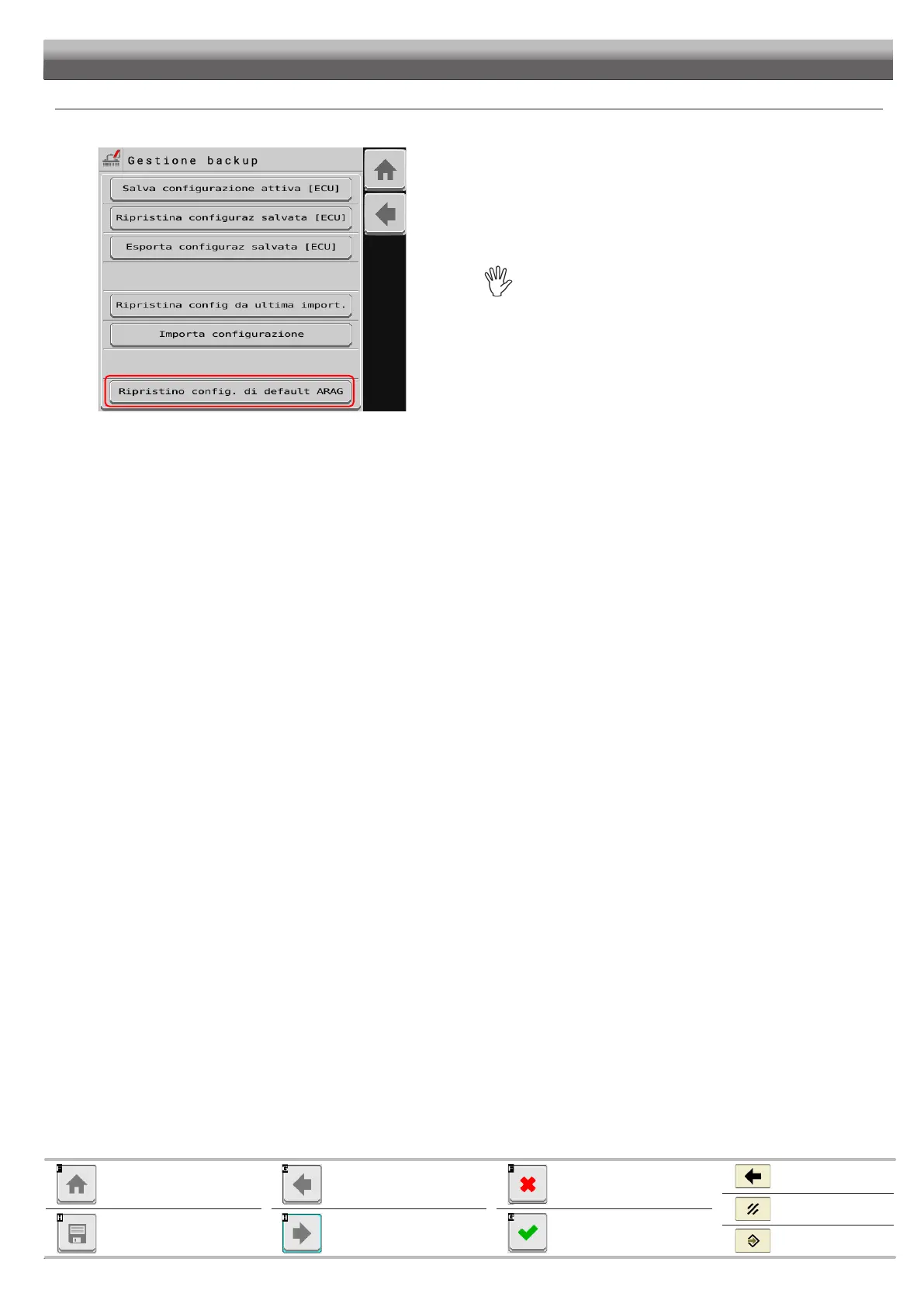
Data and settings > System status > System settings > Settings manager > Reset to Arag factory defaults
Fig. 103
Press Reset to Arag factory defaults
to factory settings.
WILL BE PERMANENTLY LOST.
Save active config [ECU]
Import configuration


 To Next Page