MANUAL
V3.0
GEN 5
PLAYING VIDEO > P. 15
605
705
VIDEO PLAYBACK TOUCHSCREEN CONTROLS
To pause/resume the video, tap on the Pause / Play icon (see n° 5 in the
previous screen).
To display the menu overlay again, tap once anywhere on the screen. To make it
disappear again, wait for a few seconds or tap on the Tab icon , in the top left
corner (see n° 3).
You can tap on the progression bar to go directly to a different location in the vid-
eo. You can also use the stylus to drag the cursor in the progression bar to another
location in the video (see n° 6).
The volume bar can be dragged in the same way (see n° 4).
To execute a menu item’s function, simply tap on its icon. In order to display a
text description of the icon, tap on the menu word (see n° 7).
To stop the video and go back to the “Video” browser, tap on the Exit icon
(see n° 1).
To exit the Video mode and go back directly to the Home screen, hold
down on the Exit icon.
405
605
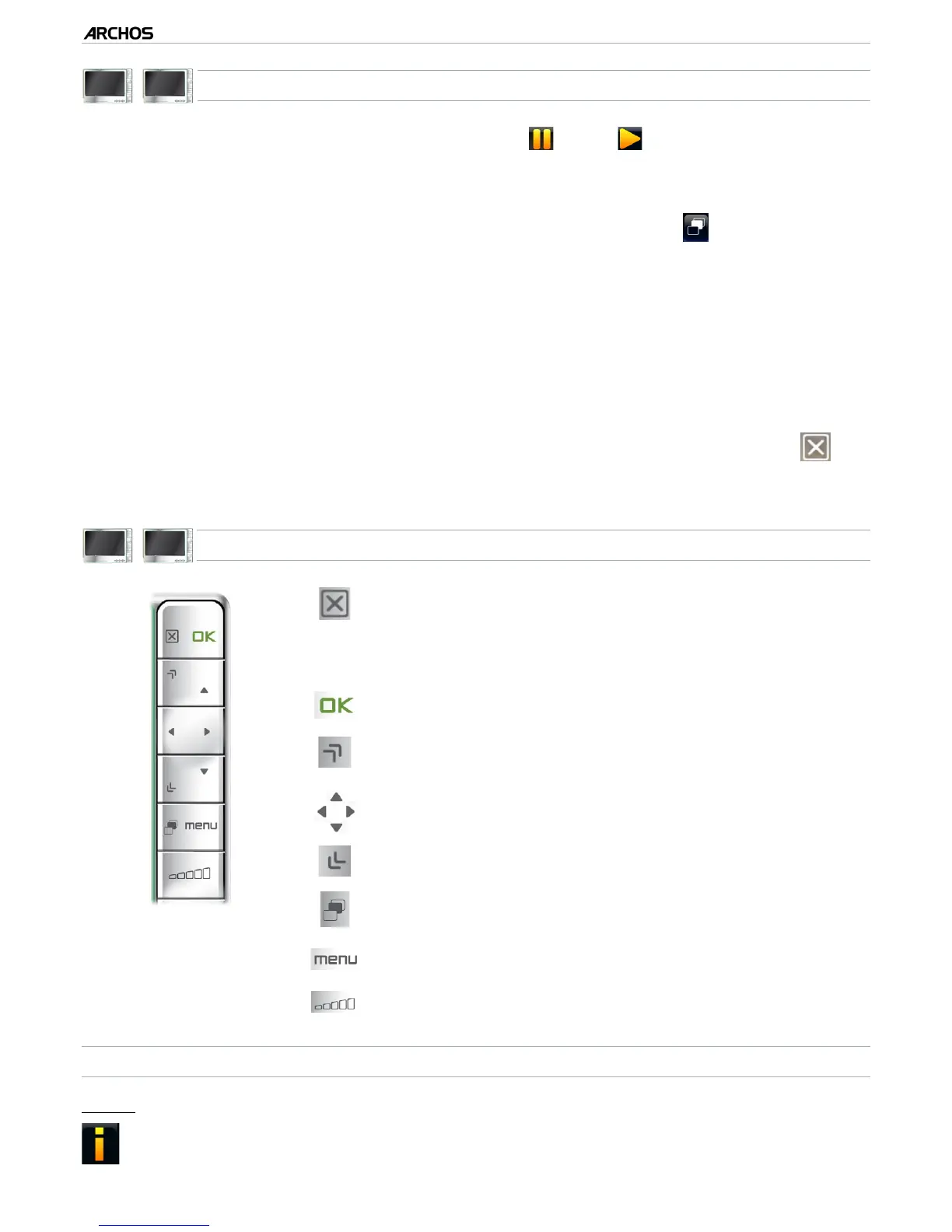
VIDEO PLAYBACK BUTTON CONTROLS
press once: stop the video and go back to the
“Video” browser
hold: exit the Video mode and go back directly to
the Home screen.
-
-
pause/resume the video
accelerated fast forward
left/right: fast rewind/forward
accelerated fast rewind
display/hide the menu overlay
display available menu items
increase/decrease volume
VIDEO PLAYBACK MENU ITEMS
“Info”
displays a message box with information about the current video le.-
•
•
•
•
•
•



 To Next Page