MANUAL
V3.0
GEN 5
PLAYING MUSIC > P. 24
“Set rating”
allows you to give a rating to the current song (1-5) or to remove the rating
(none).
-
“Settings”
you can choose to display the Music Player settings screen (see next section)
or the “Sound” settings screen (see:
“Sound” Settings
).
-
2.3 MUSIC PLAYER SETTINGS
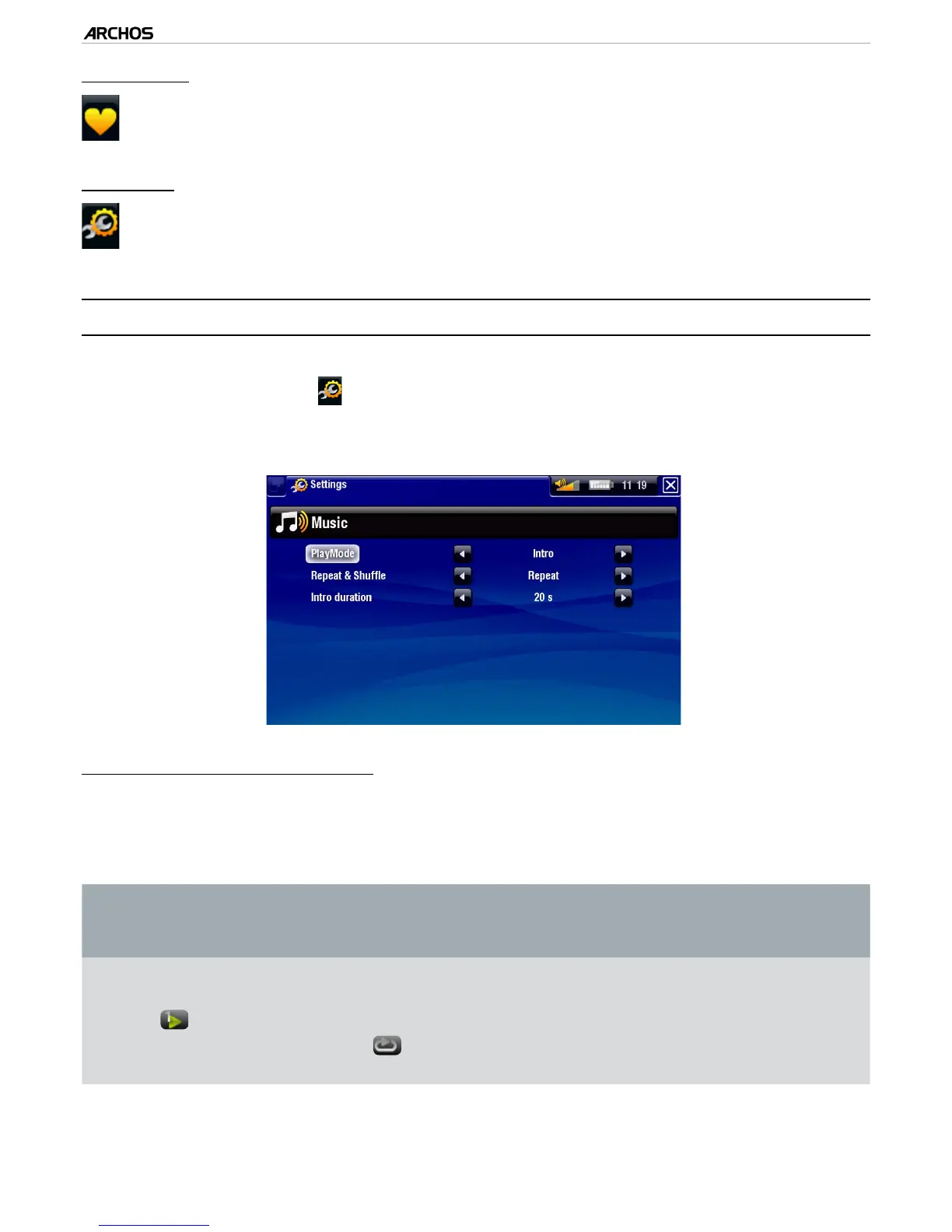
In the Music mode, you can access the Music Player settings screen by using the
“Settings” menu item .
Use the left/right arrows to select a different setting for a parameter.
“PlayMode”, “Repeat & Shufe”
the following table explains how the audio player will work according to the set-
tings you chose in “PlayMode” AND “Repeat & Shufe”.
An icon shows the current modes in the Music playback screen.
“PlayMode”
“Repeat &
Shufe”
What the video player does...
“Single”
“Normal”
plays the current song and stop.-
“Repeat”
plays the current song repeatedly.-
Table continued on next page...
•
•
-
-



 To Next Page