MANUAL
V3.0
GEN 5
MAIN SETTINGS > P. 60
8.2 “DISPLAY” SETTINGS
“LCD SETTINGS”
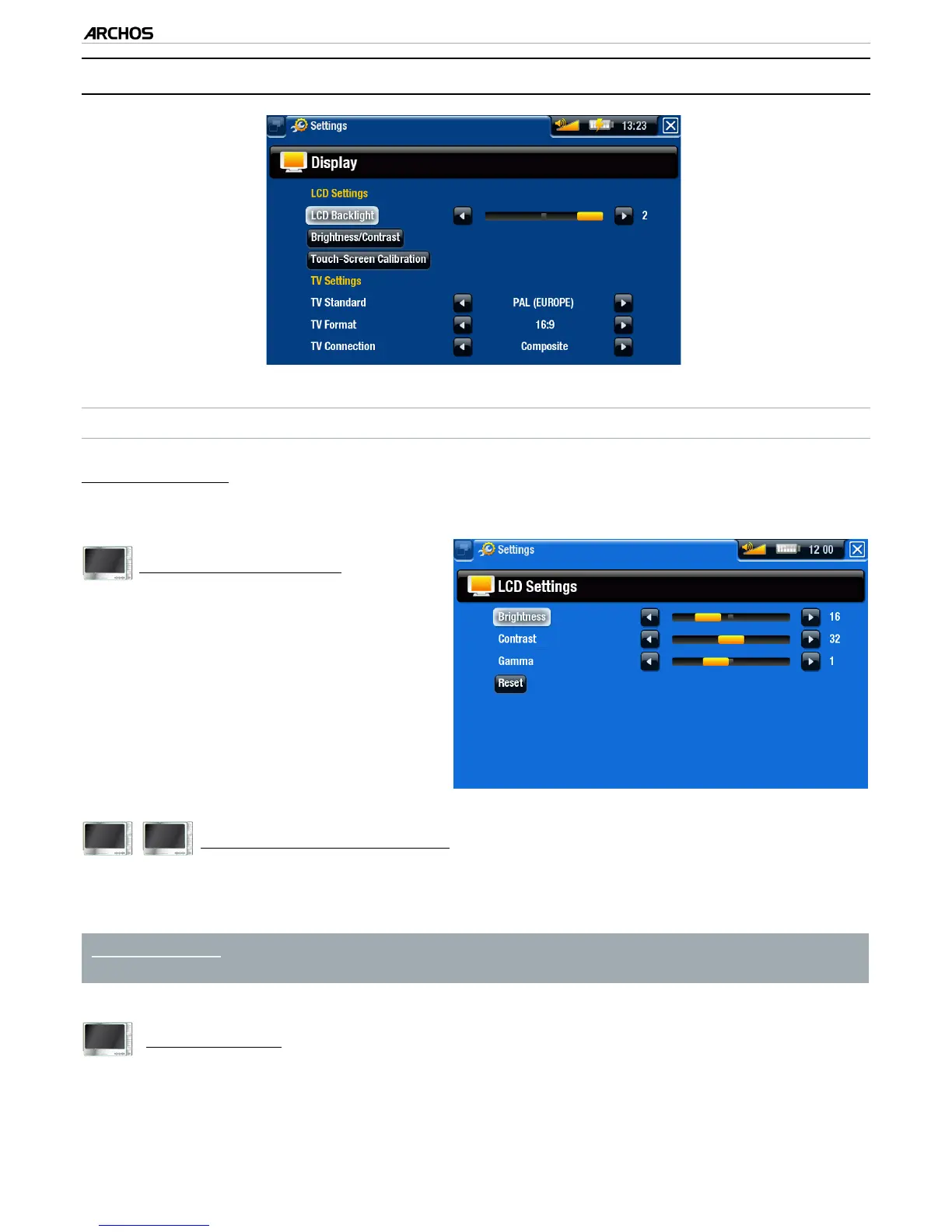
“LCD Backlight”
adjusts the level of backlight of the built-in screen.
605
“Brightness/Contrast”
use this button to adjust the display
parameters of the built-in screen
(contrast, brightness and gamma).
you can also reset the LCD param-
eters to the default values (“Reset”
button).
-
-
605
705
“Touch-Screen Calibration”
If the touchscreen is not responding properly, use this button and follow the in-
structions on the screen.
ARCHOS 705: If this does not work or if you cannot access the touchscreen
settings, you can force the touchscreen calibration (see: System Recovery).
405
“LCD stability”
If you nd that the LCD screen ickers, use this button to access the “LCD stabil-
ity” screen.
Press the left/right navigation buttons until the screen stops ickering.
-
-
-
-



 To Next Page