MANUAL
V3.0
GEN 5
VIEWING PHOTOS > P. 32
PHOTO BROWSER MENU ITEMS*
“Info”
displays a message box with information about the highlighted picture.-
“Delete”
allows you to delete the highlighted picture. A conrmation screen will pop
up.
-
“Start slideshow”
starts a slideshow from the highlighted image.
the “Pause slideshow” menu item will appear, allowing you to pause the
slideshow.
-
-
“Settings”
will display the Photo viewer settings screen (see
Photo Viewer Settings
).-
* The available menu items will vary depending on where you are in the
“Photo” Browser.
3.2 PHOTO VIEWER
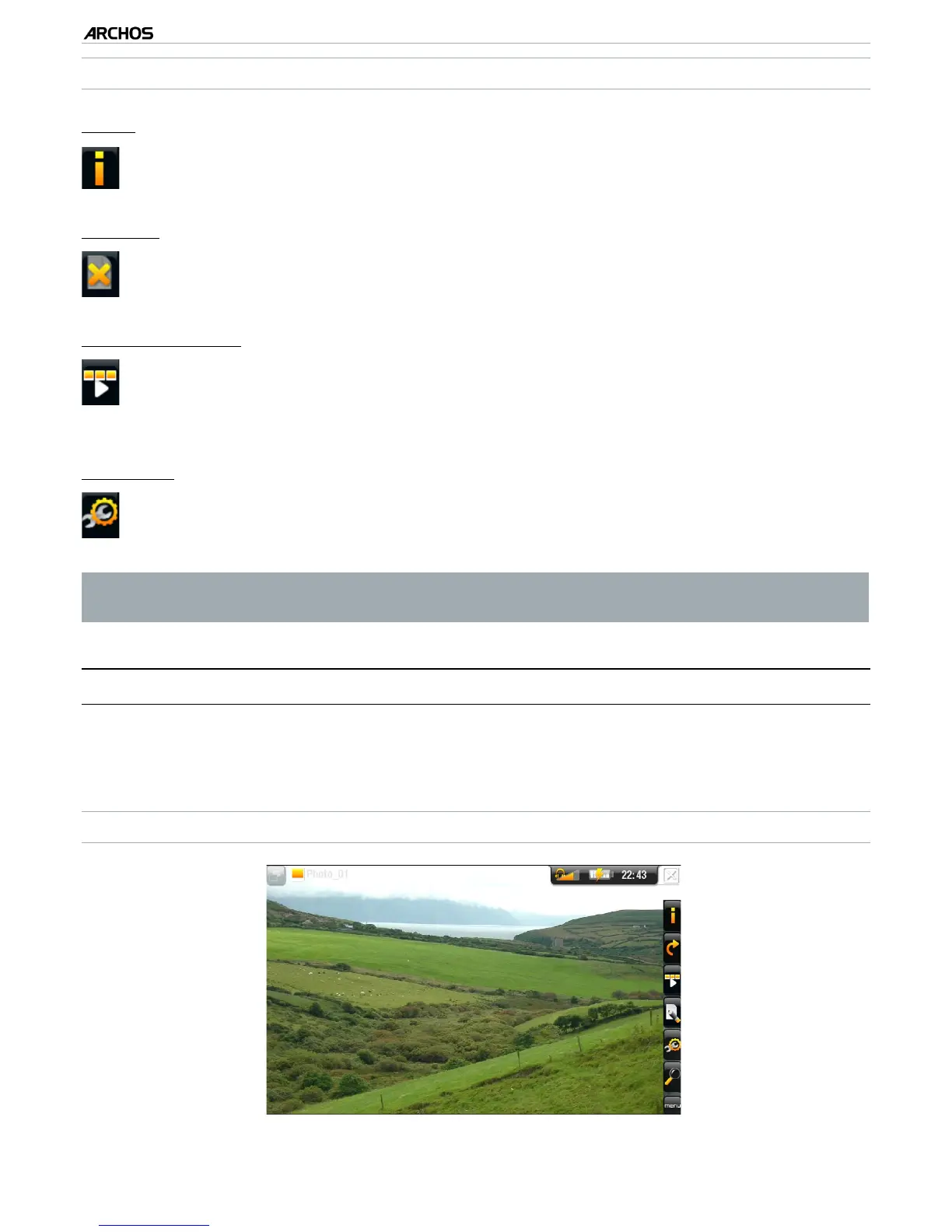
To view a picture, highlight the corresponding thumbnail and open it. The menu over-
lay will disappear automatically after a few seconds.
PHOTO VIEWER SCREEN



 To Next Page