MANUAL
V3.0
GEN 5
USING THE FILE BROWSER > P. 40
605
705
KEYBOARD TOUCHSCREEN CONTROLS
To enter a character, tap on the corresponding key.
To exit the keyboard without saving, tap on
(see n° 2
in the previous screen).
When you are satised with the name, tap on the Ok key (see n° 9) to save it
and exit the keyboard. A conrmation screen will pop up.
405
605
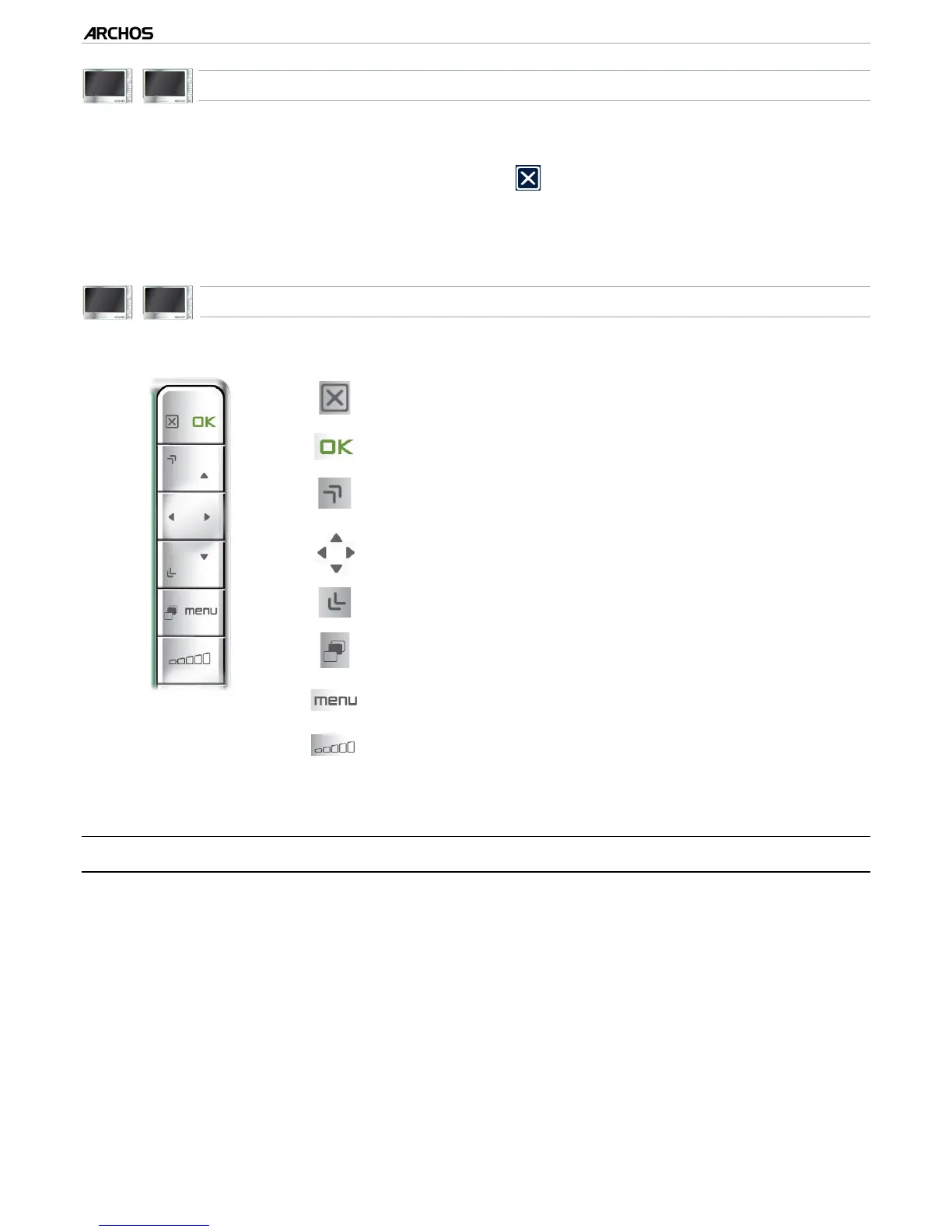
KEYBOARD BUTTON CONTROLS
close keyboard without saving
enters the highlighted character
same as the Shift key
jump from one key to another
same as the Alt/Alt Gr key
(depending on model)
-
-
-
4.3 USING THE FILE BROWSER WHILE LISTENING TO MUSIC
You can browse your les while listening to music:
Choose the “ARCHOS home screen” menu item while playing a song.
In the Home screen, select the “Files” icon to enter the File Browser and start
browsing through your les.
To go back to the Music playback screen, go to the Home screen and select the
“Music” icon.
•
•
•
•
•
•



 To Next Page