MANUAL
V3.0
GEN 5
TROUBLESHOOTING > P. 76
In the event that your ARCHOS freezes or does not respond anymore, try to
reset it (see: Resetting your ARCHOS).
If this does not work or if you cannot access the Repair and Formatting Tools,
you can try a system recovery (see: System Recovery).
705
REPLACING THE BATTERY
The ARCHOS has a removable battery. You can purchase extra batteries from
www.archos.com.
Caution: if the battery is incorrectly replaced or short-circuited, this could re-
sult in damage to the product and/or serious injuries to the user. Replace only
with an original ARCHOS battery.
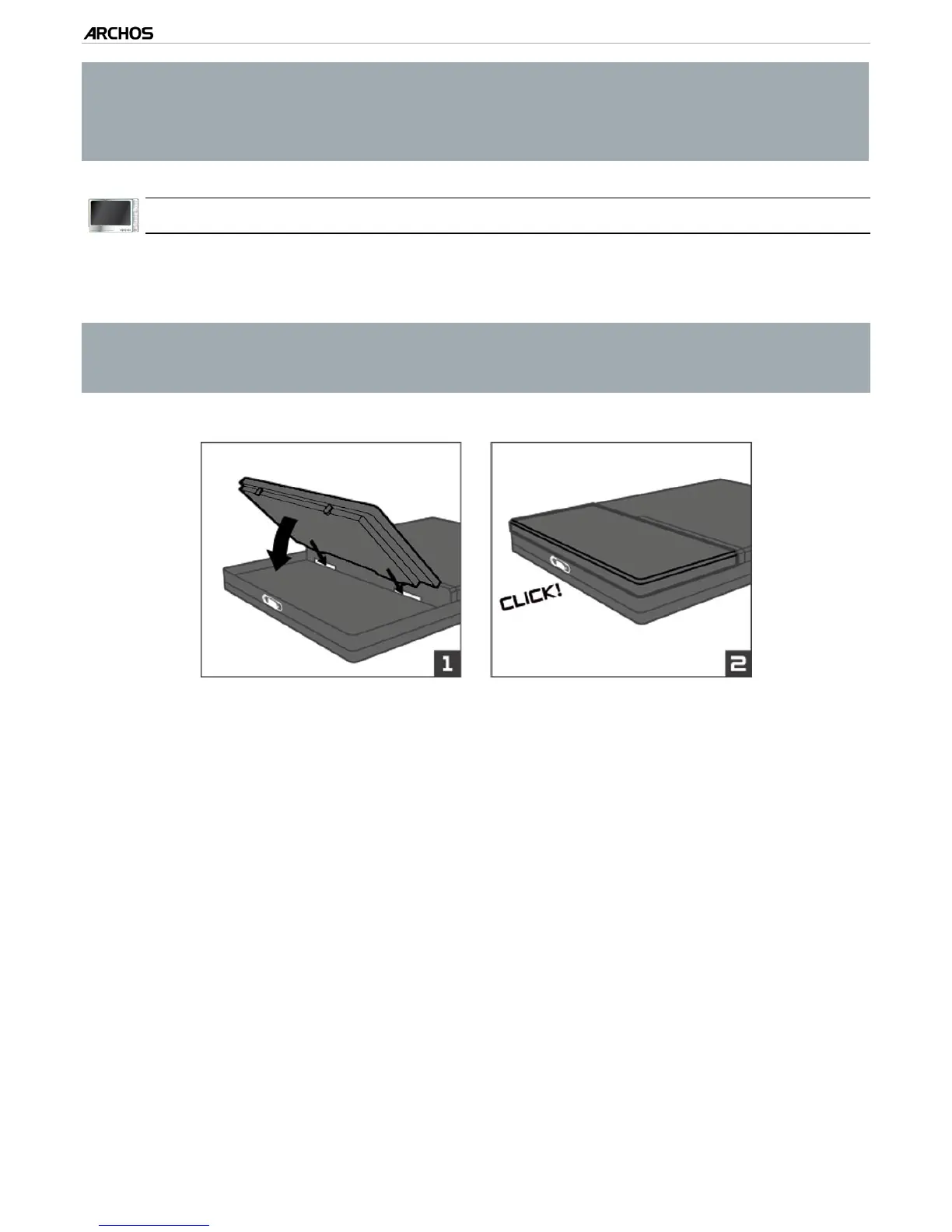
To replace the battery, follow these steps:



 To Next Page