MANUAL
V3.0
GEN 5
TRANSFERRING FILES > P. 54
7. TRANSFERRING FILES
7.1 CONNECTING THE ARCHOS TO A COMPUTER
CONNECTION STEPS
Plug the ARCHOS USB cable into the ARCHOS.
Plug the USB end of the cable into your computer.
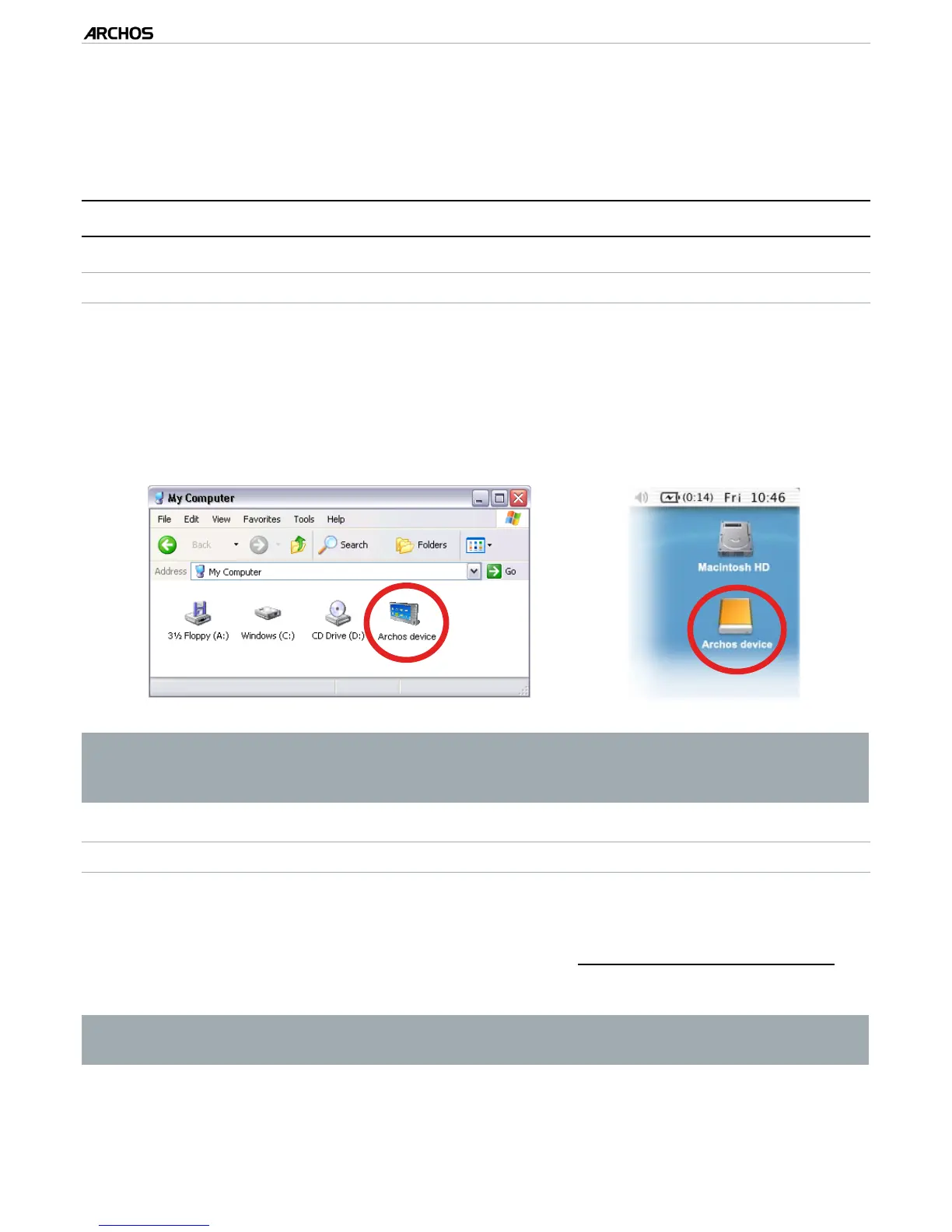
The ARCHOS’ icon will appear on your computer*. You can now start transferring
les to it.
If you do not have Windows Media
®
Player 10 or higher installed on your com-
puter, the ARCHOS will ask you if you want to charge its battery or connect it
as a mass storage device (Hard Drive). Choose to connect it.
PUTTING FILES ONTO THE ARCHOS
There are two main methods to transfer your les onto the ARCHOS:
Copy your media les (videos, music, photos) with Windows Media® Player 10 or
higher*:
* For best performance, we recommend that users update to Windows Media
®
Player 11 or higher.
The Synchronize button in Windows Media® Player is a one way ‘sync’ button. It will add
video, music and photo les to your ARCHOS. If will give you the possibility to have the
same digital media on your ARCHOS as you have in your Windows Media® Player media
library.
1.
2.
3.
1.



 To Next Page