MANUAL
V3.0
GEN 5
INTRODUCTION > P. 5
TV/
LCD
Video display indicator:
the light is on when the image of the ARCHOS is displayed on a TV (see TV/
LCD button).
•
CONNECTORS
705
ARCHOS 705
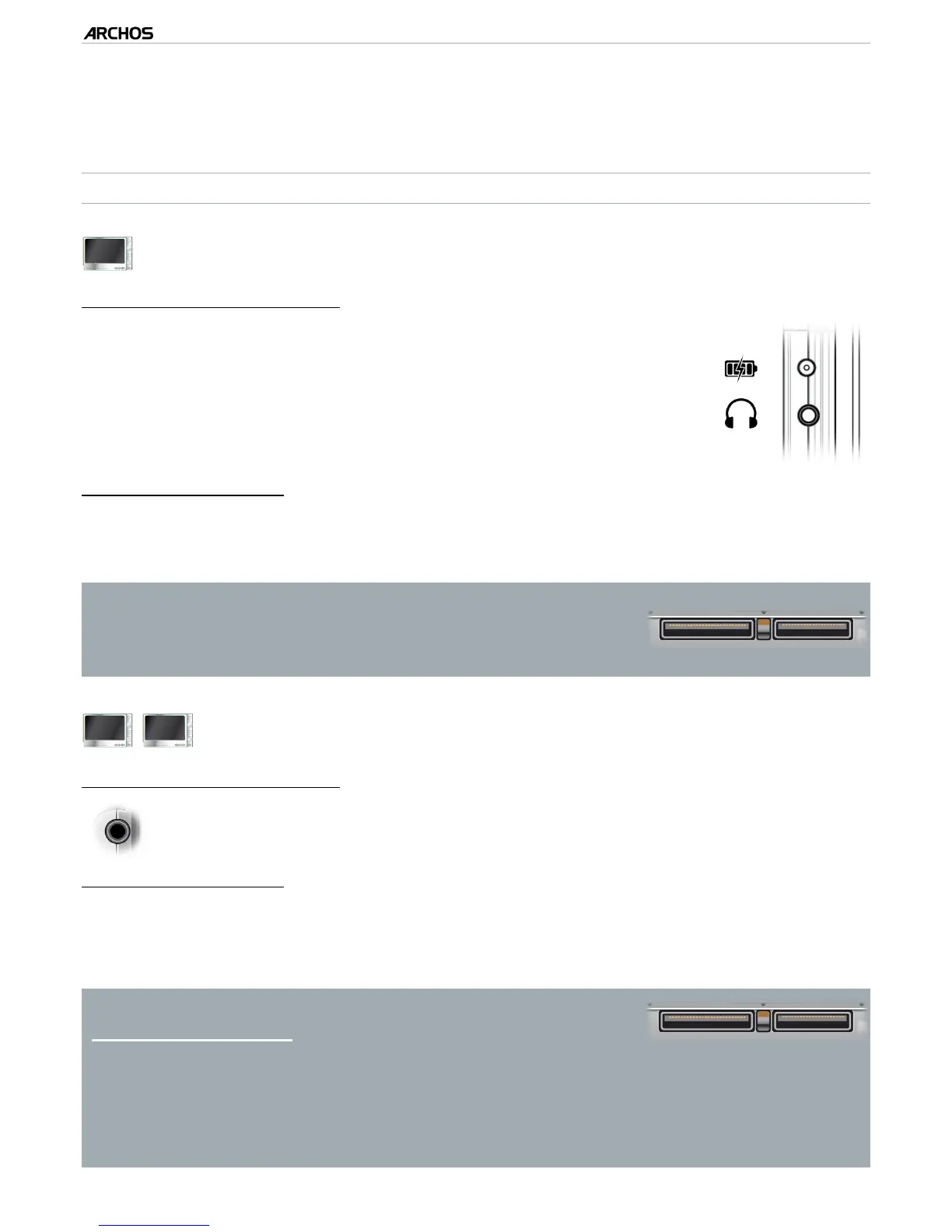
On the left side of the device:
Power jack : charge the battery of your ARCHOS device (see
First Time usage: Charging the Battery
).
AV Out Jack: connect headphones or plug an ARCHOS AV cable
(optional) to view videos and photos on a television.
•
•
A/V
Underneath the device:
USB B: connect your ARCHOS to a computer (see
Connecting the ARCHOS to a Computer
).
USB A: connect a compatible external device to your ARCHOS (see USB Host Connection).
The Docking connectors allow you to plug the op-
tional DVR Station Gen 5 (available from www.ar-
chos.com) in order to record external audio/video.
See Optional Functionalities.
•
•
405
605
ARCHOS 405 and 605
On the left side of the device:
Headphone Jack: to connect headphones.•
Underneath the device:
These connectors allow you to:
Connect your ARCHOS to a computer (see
Connecting the ARCHOS to a
Computer
).
Charge the battery of your ARCHOS (see
First Time usage: Charging the Battery
).
The Docking connectors also allow you to plug one of the
optional accessories* (available from www.archos.com):
Connect a compatible USB device to the ARCHOS, with the optional DVR
Station Gen 5, Mini dock or Battery Dock.
Record external audio/video, with the optional DVR Station Gen 5 or DVR
Travel Adapter.
See Optional Functionalities.
•
•
•
•
•
•
•



 To Next Page