MANUAL
V3.0
GEN 5
THE WIFI FEATURES > P. 51
This is especially useful when you have a large library of music and video and you
cannot t it all onto the internal hard drive of the ARCHOS.
The ARCHOS uses the UPnP (Universal Plug-and-play) standard to stream shared
media les from your PC’s Windows Media® Library.
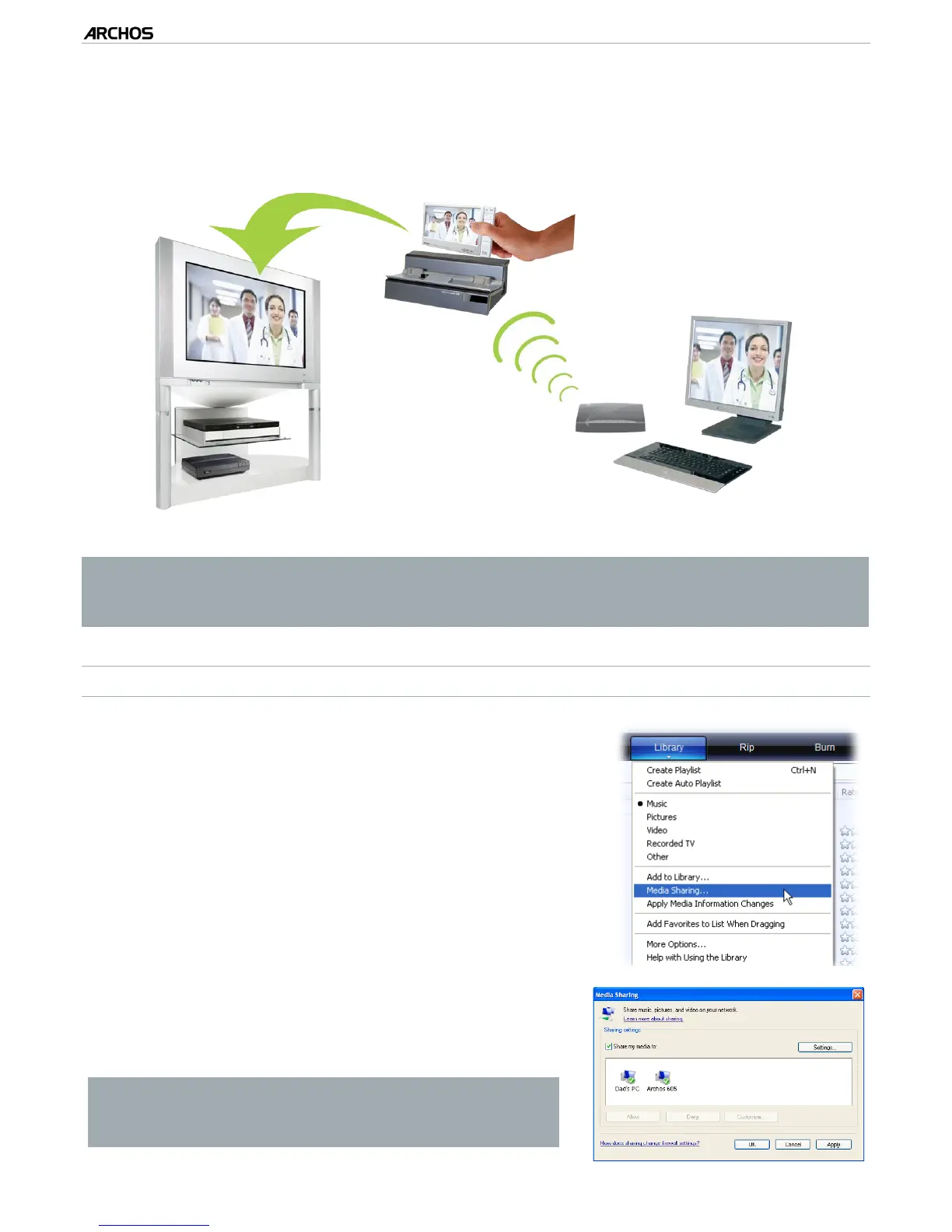
Streaming one of your PC’s shared videos and displaying it on your TV
* If you cannot install Windows Media
®
Player 11 or higher, it is possible to ac-
cess and stream your PC’s les from the ARCHOS File Browser. See Browsing
Other Computers on the Network.
SETTING WINDOWS MEDIA
®
PLAYER’S SHARING OPTIONS
Connect the ARCHOS to your WiFi network (see
Connecting to a WiFi Network
).
Connect your PC to the same WiFi network and
start Windows Media® Player, version 11 or higher.
Click on the Library tab, and select Media shar-
ing...
1.
2.
3.
Check the box Share my media to, and click on
OK. The ARCHOS’ icon should appear in the win-
dow, with a warning symbol next to it*.
* ATTENTION: the rst time you set your shar-
ing options, it might take a couple of minutes
for your PC to display the ARCHOS’ icon.
4.
•
•



 To Next Page