Instead of the flash prompt above, another way to install
Seagull driver is to run the DriverWizard utility from the
Installation Directory where the Seagull driver files are located.
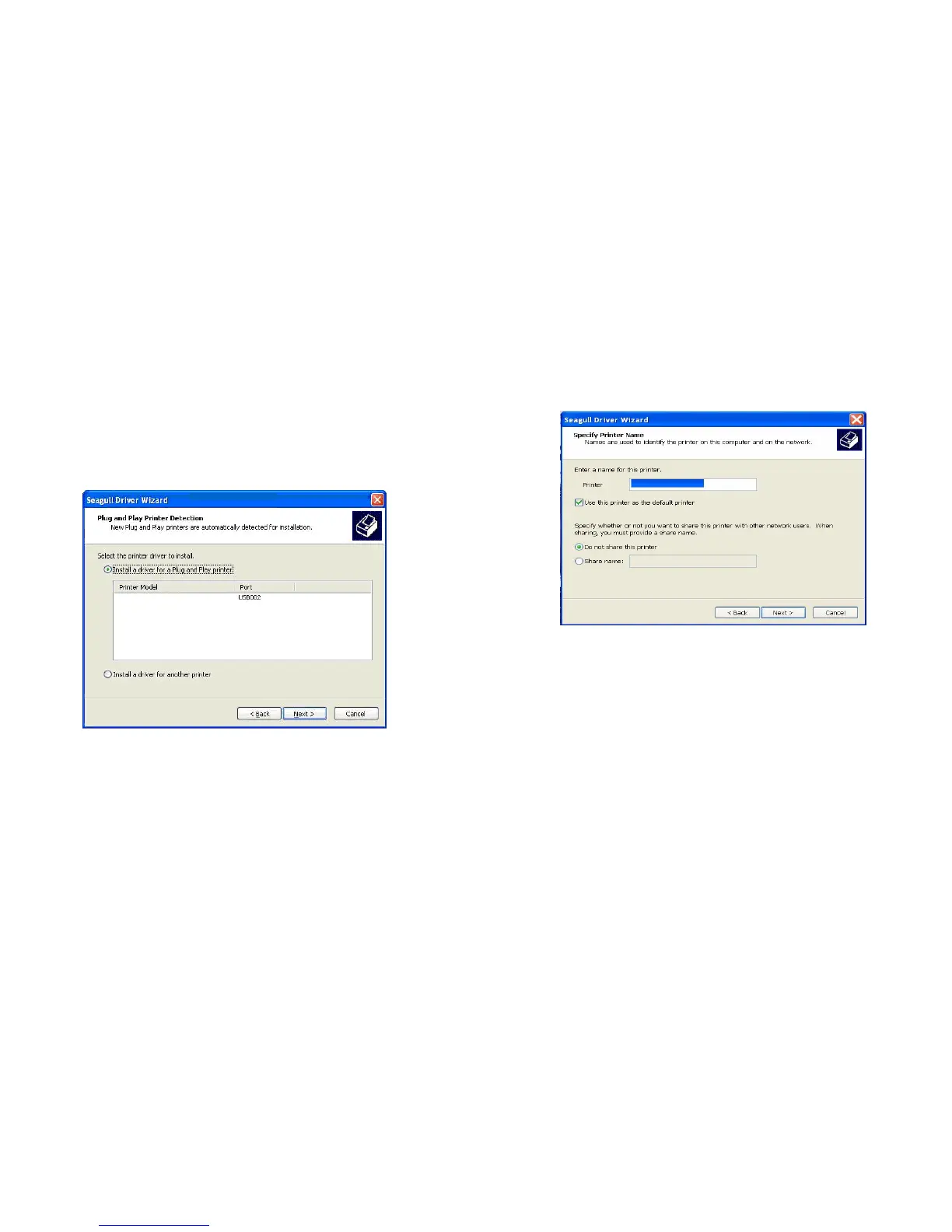
5. On the Seagull Driver Wizard prompt, select the first radio
button to “Install a driver for a Plug and Play printer”:
Then click “Next.”
Argox A-2240 PPLB
6. Enter Printer name (i.e. Argox A-2240D PPLB) and select "do
not share this printer”, and click "Next"
Argox A-2240 PPLB



 To Next Page