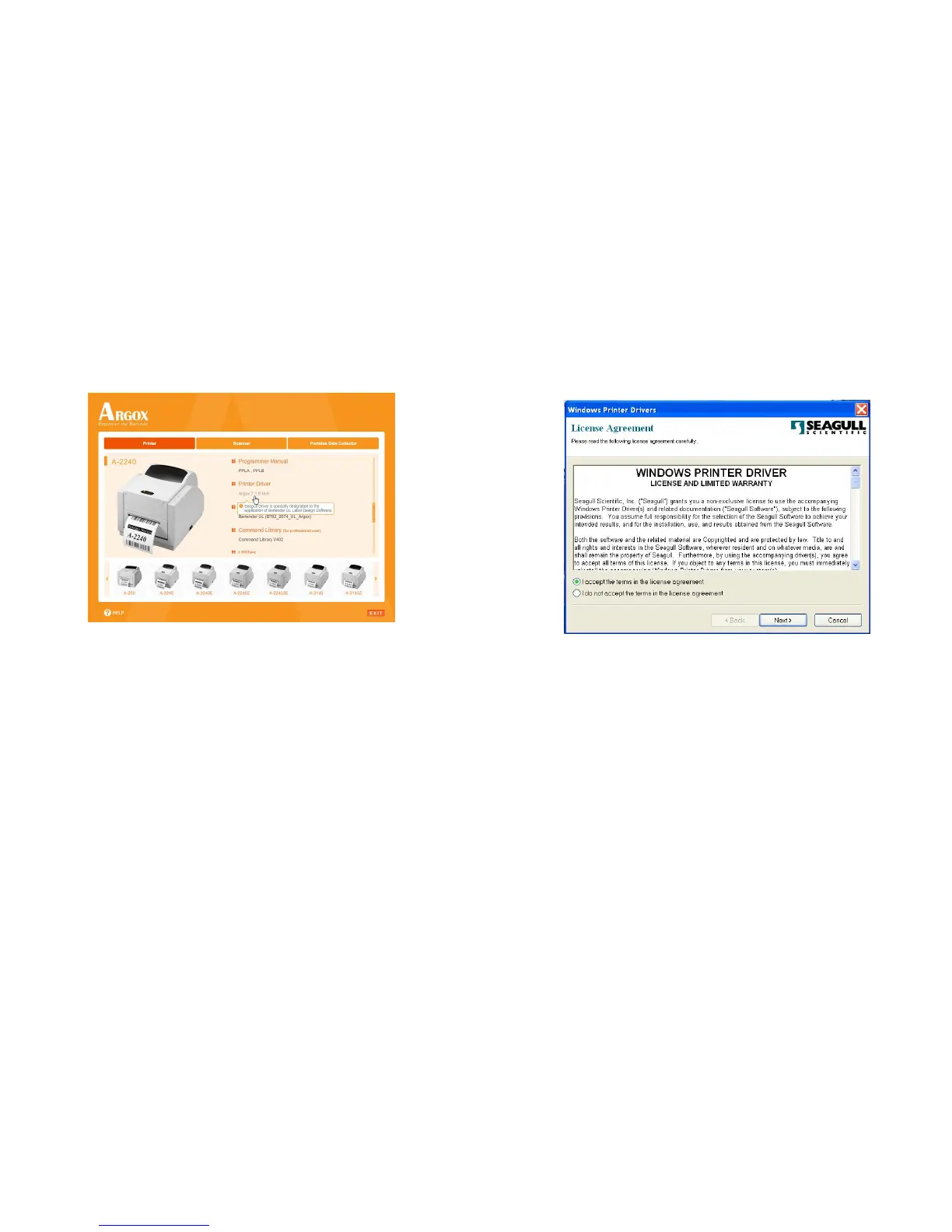
3. Under A-2240 product selection prompt, choose Seagull
Driver version and then start installation:
Instead of the flash prompt above, another way to install
Seagull driver is to run the DriverWizard utility from the
Installation Directory where the Seagull driver files are located.
A Series User’s Manual



 To Next Page