EasyManua.ls Logo

Argox A-2240 - Page 36

Argox A-2240
47 pages
Print Icon
To Next Page IconTo Next Page
To Previous Page IconTo Previous Page
Loading...
A Series User’s Manual
71
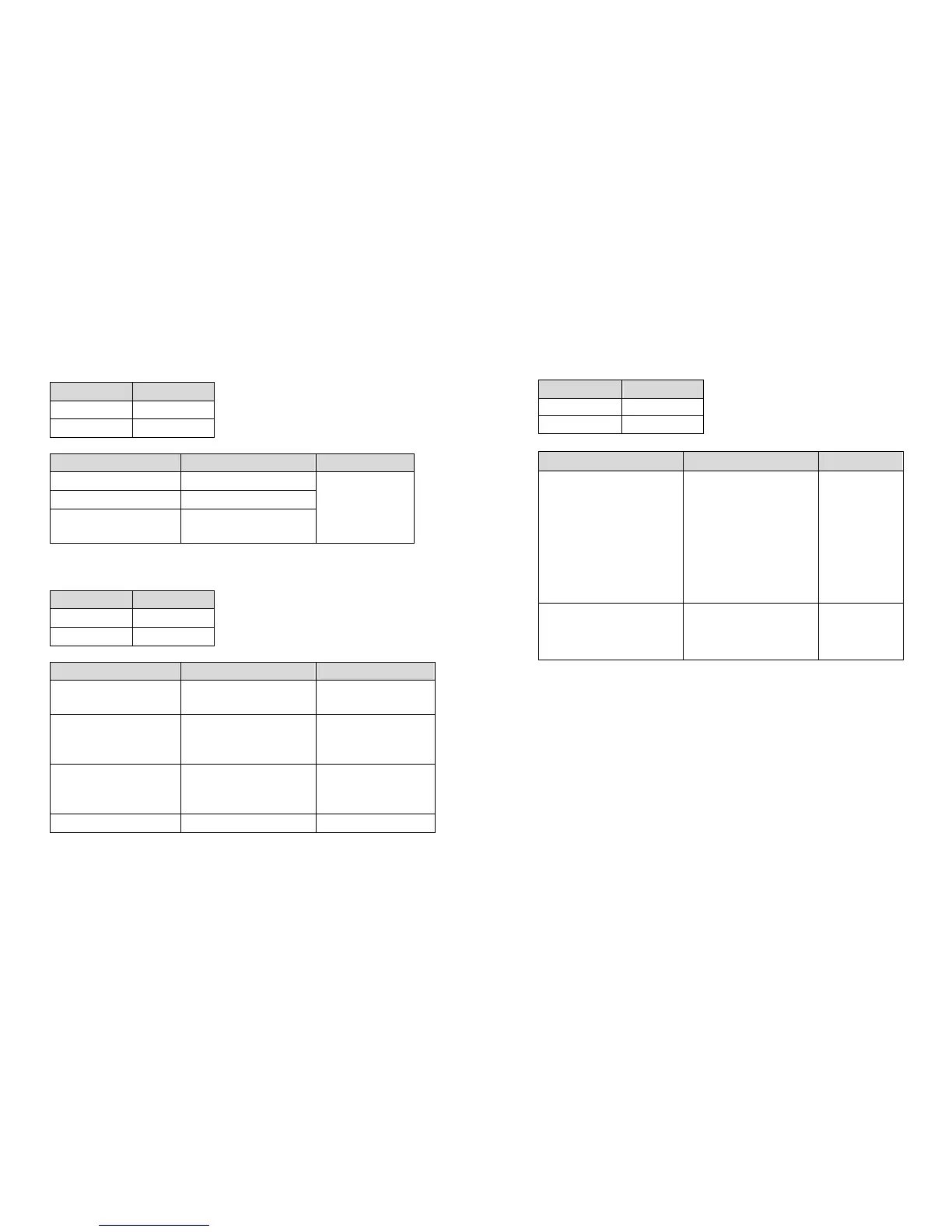
LED Indicators: Power and Ready LEDs blink alternately
Power LED
Ready LED
ON OFF
OFF ON
Possible Problems
Solutions Remarks
Ribbon out Supply the ribbon roll
Ribbon jam Recover the jam
Ribbon sensor error
Replace ribbon
sensor
Not applicable
to direct
thermal type.
LED Indicators: Only the Power LED blinks
Power LED
Ready LED
ON ON
OFF ON
Possible Problems
Solutions Remarks
Serial IO error Check the baud rate Serial interface
only
Memory full Add the extension
RAM(flash memory
card)
Cutter failed, or jam
at cutter
Check the cutter
Recover the jam
Occurs only when
installing or setting
the cutter
Hardware error Call for service
A Series User’s Manual
72
LED Indicators: Only the Ready LED blinks
Power LED
Ready LED
ON ON
ON OFF
Possible Problems Solutions Remarks
Print head too hot Printing will stop until
the print head cools to
an acceptable printing
temperature. When it
does, the printer will
automatically resume
operation.
Printer head module
uncovered
Make sure that p
rinter
head module has
been covered.

Table of Contents

Related product manuals