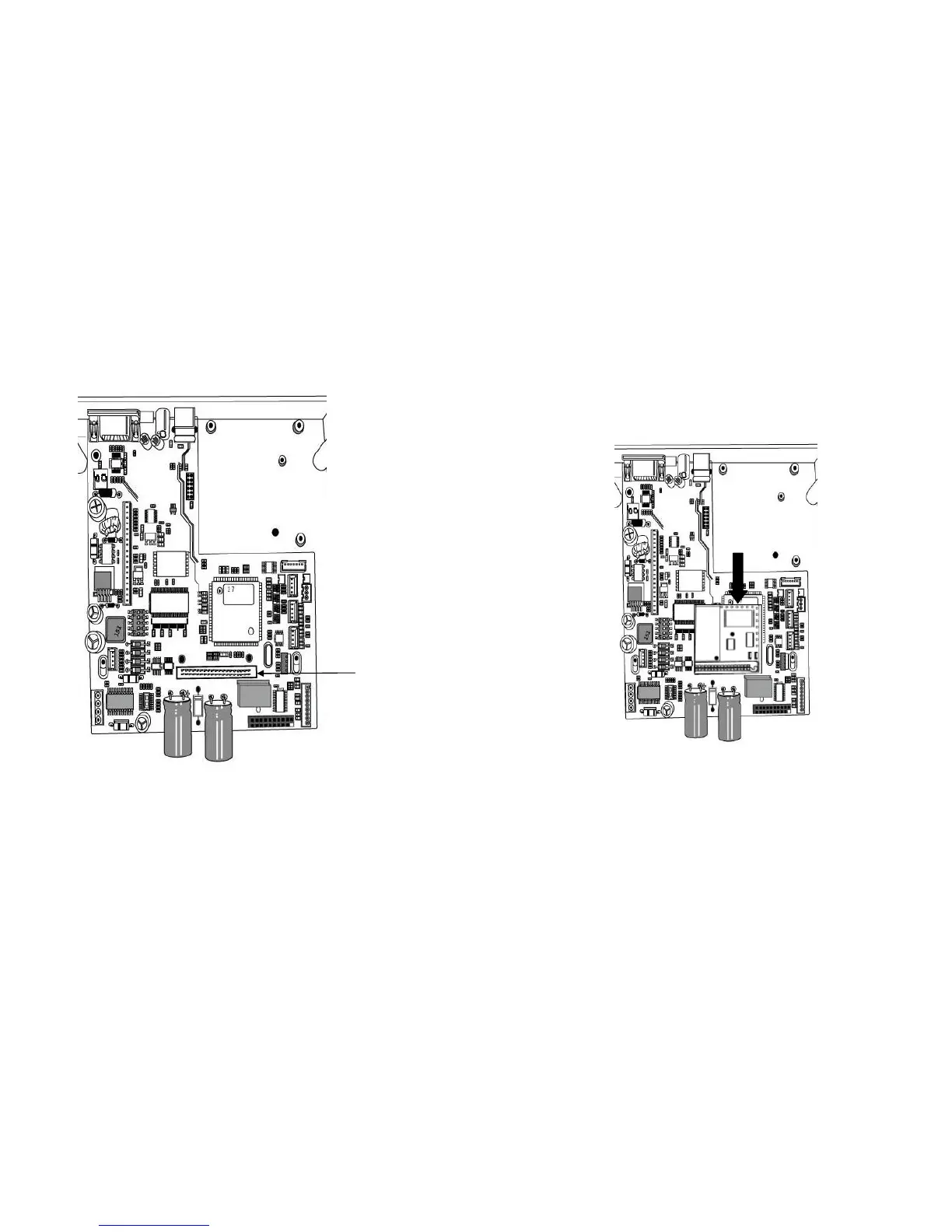
5. Mount the extension card to J14 on the main board.
Note:
RTC card: Dip switch on DIP 5 should be put on OFF position.
Add-on card: Dip switch on DIP 5 should be put on On position.
6. Click back the middle cover.
7. Secure the two screws for the base housing.
8. Click the top cover into place.



 To Previous Page