19
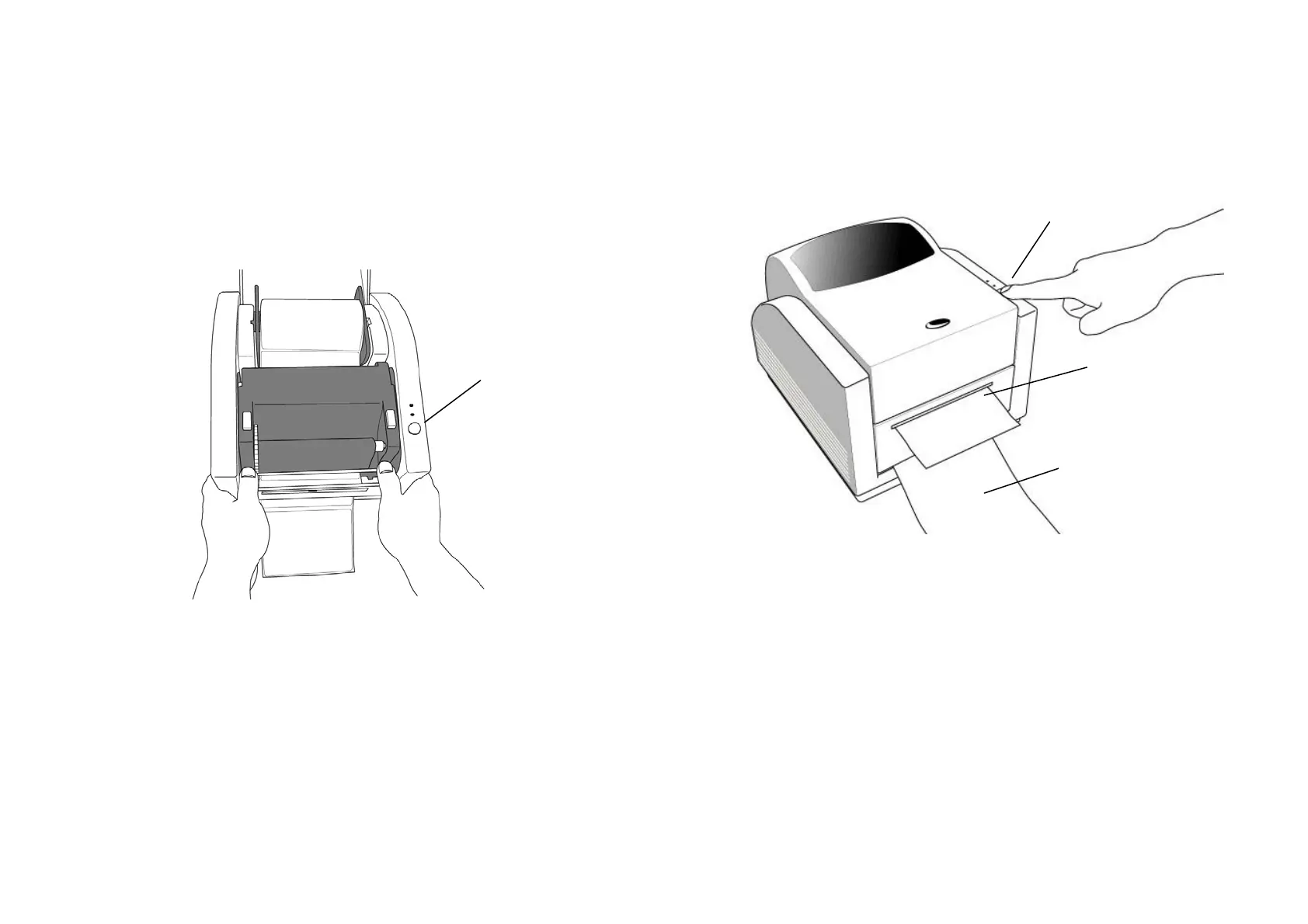
7. Press down the print head module firmly till you hear a snap.
8. Close the top cover and turn on the printer or press the feed
button if the printer is already on.
Feed Button
20
9. Press the feed button and the label backing paper will come out
from the slot under dispenser.
Note :
The feed button will not drive the printer to peel. The
peeling function can be executed only when the software
setting is ready.
Label
Backing Paper
Feed Button



 To Next Page