11
5. Loading the Media
A Series printers can be operated in three different options:
standard, peel-off, or with a cutter.
- Standard mode allows you to collect each label freely.
- In peel-off mode, the backing material is being peeled away from
the label as it is printed. After the former label is removed, the
next one will be printed.
- In cutter mode, the printer automatically cuts the label after it is
printed.
Standard Mode
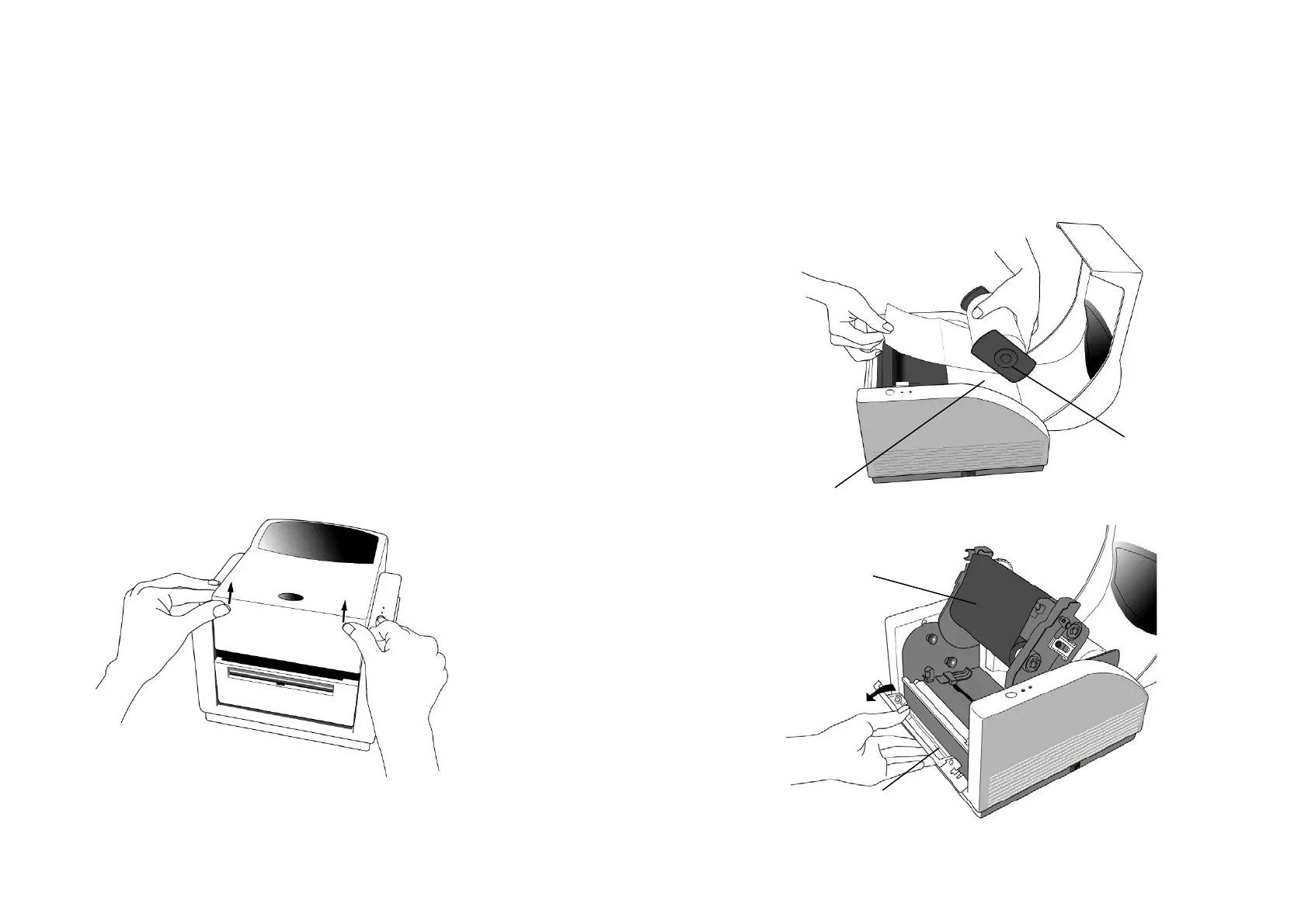
1. Lift the top cover to expose the media compartment.
12
2. Remove the media hanger.
3. Load the media roll onto the hanger.
4. Unlatch the print head module.
5. Left the peeler cover easy for label easy into the slot.
Media Compartment
Media Hanger
Ribbon Roll
(Not Available
for A-50)
Peeler Cover



 To Next Page