27
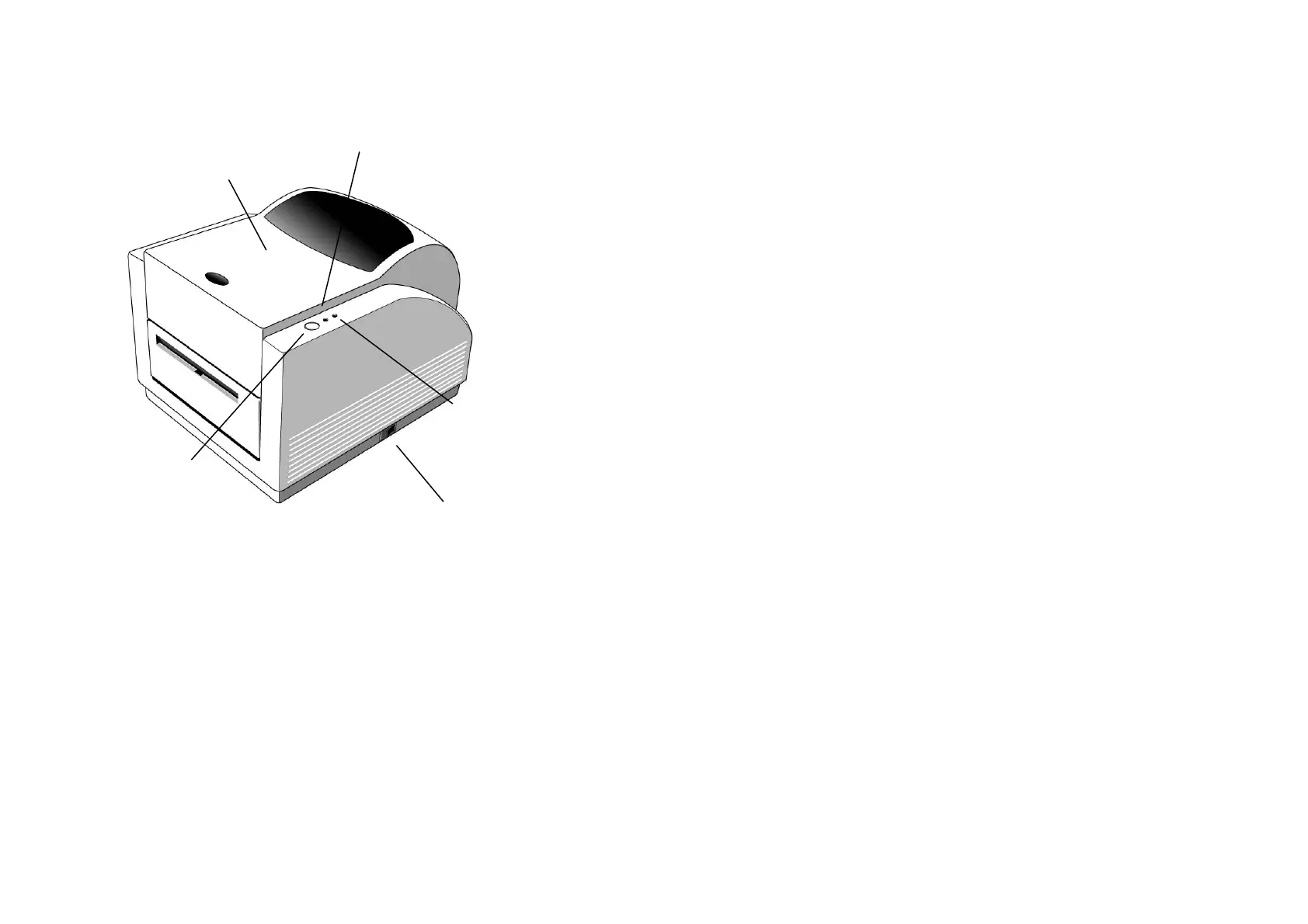
Top Cover
Power Indicator
Ready Indicator
Feed Button
Power Switch
28
7. Performing Calibration
1. Keep pressing the feed button while turning on the power, until
the printing motor becomes activated.
2. The calibration has been performed while the printer
automatically feed label stock for certain length.
Note:
This step is very important and must always be carried
out whenever media is changed. Fail to do so
will result in miss-detection of the label sensor.



 To Next Page