55
13. Caring for Your Printer
Clean the following areas of the printer after 8 rolls of label stocks
have been used. In each case, use a cotton bud dampened with
alcohol. Do not soak the cotton bud excessively.
Note :
Always switch off the power before cleaning.
Cleaning
Thermal Print Head
Thermal paper stock and ribbon will release debris on the print
head and degrade printing quality. Clean the print head with
methanol or isopropyl alcohol with a cotton bud. Do not touch
the heater element with your fingers. Debris or dirt on the roller
should be cleaned with alcohol.
Paper Sensor
Debris or dirt on the paper sensor will cause a miss-read or
unstable detection of the label gap. Clean with a cotton bud
dampened with alcohol.
56
Replacing Thermal Print Head
1. Switch off the power and wait for both LEDs to go off.
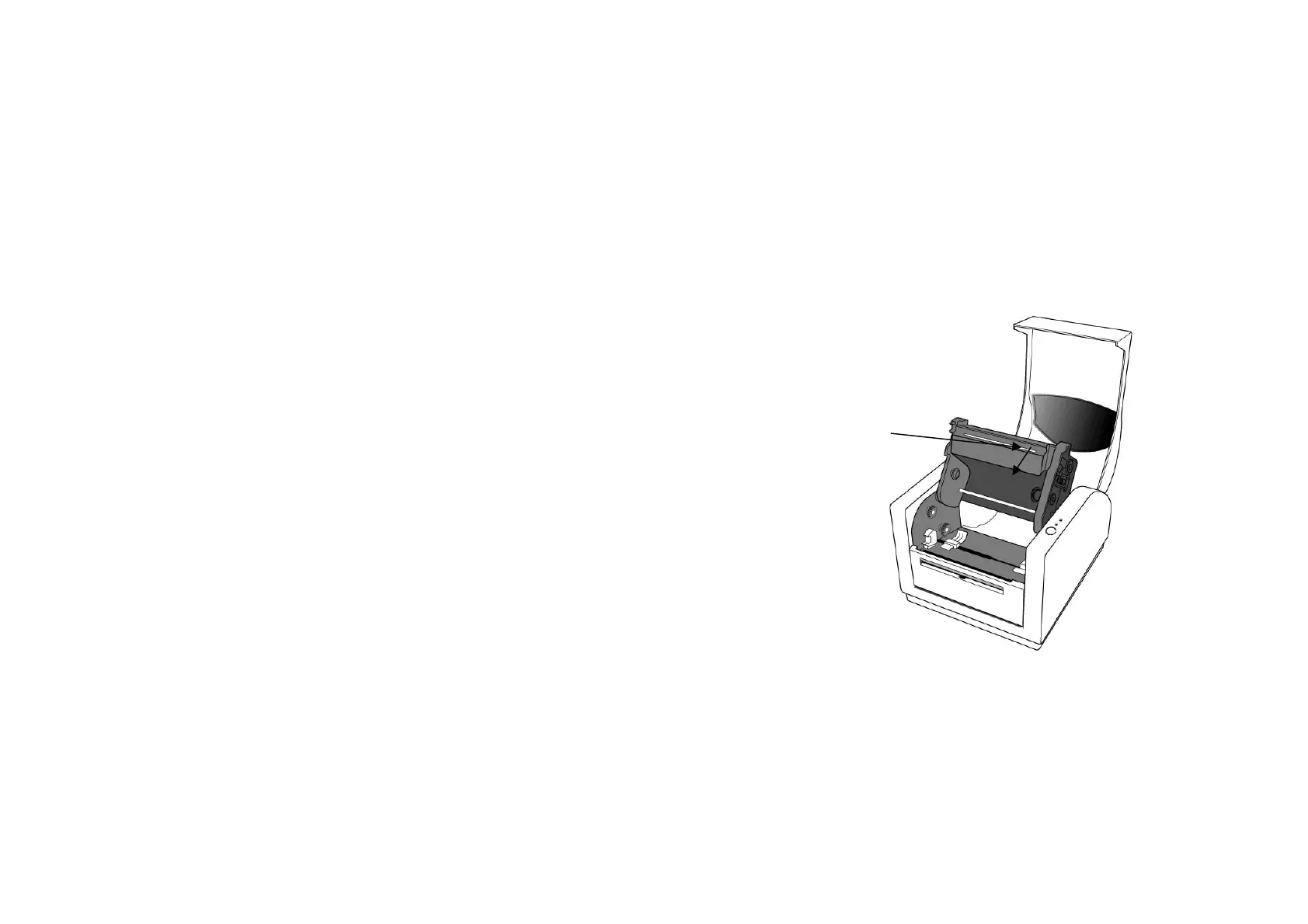
2. Push print head module and pull it down as the 2 arrows shown
to release print head module from printer chassis.
Push



 To Next Page