25
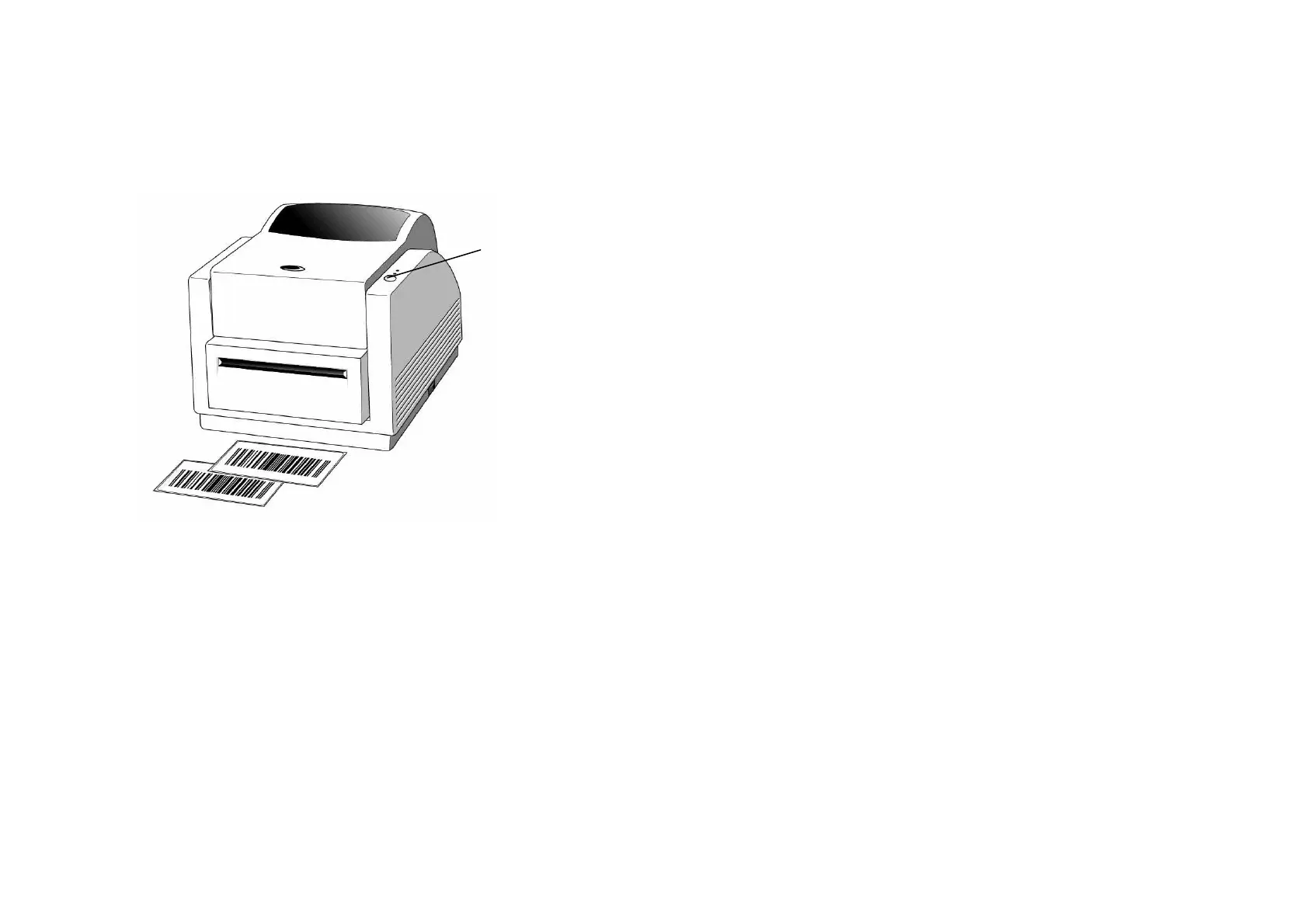
10. Close the top cover and turn on the printer or press the feed
button if the printer is already on.
Note:
The feed button will not drive the printer to cut. The
cutting function can be executed only when the software
setting is ready.
Feed Button
26
6. Operator Controls
Power Switch
Controls printer power
1. On : normal operation
2. Off : the power should be turned off before connect or
disconnect the communication cables and power cables
Feed Button
Advance the label media to first printing position
1. Press to advance a label
2. Press to take the printer out of a "pause" condition
3. Keep pressing while turning on the power to print out a
configuration profile
Ready Indicator
Show the printers status
1. Green : printer is ready to operate
2. Blinking : printer is paused
Power indicator
Shows the power and error status
1. Off : printer power off
2. Green : printer power on
3. Blinking : error occurs



 To Next Page