EasyManua.ls Logo

Argox AI-6821 - Alphanumeric Keys (Cradle Only)

Argox AI-6821
170 pages
Print Icon
To Next Page IconTo Next Page
To Previous Page IconTo Previous Page
Loading...
46
Option
Description
Bar Code
*On
Simulate the
function key input
while you scan the
bar codes that
correspond to the
ASCII code of a
function key.
Off
Turn off function
key simulation.
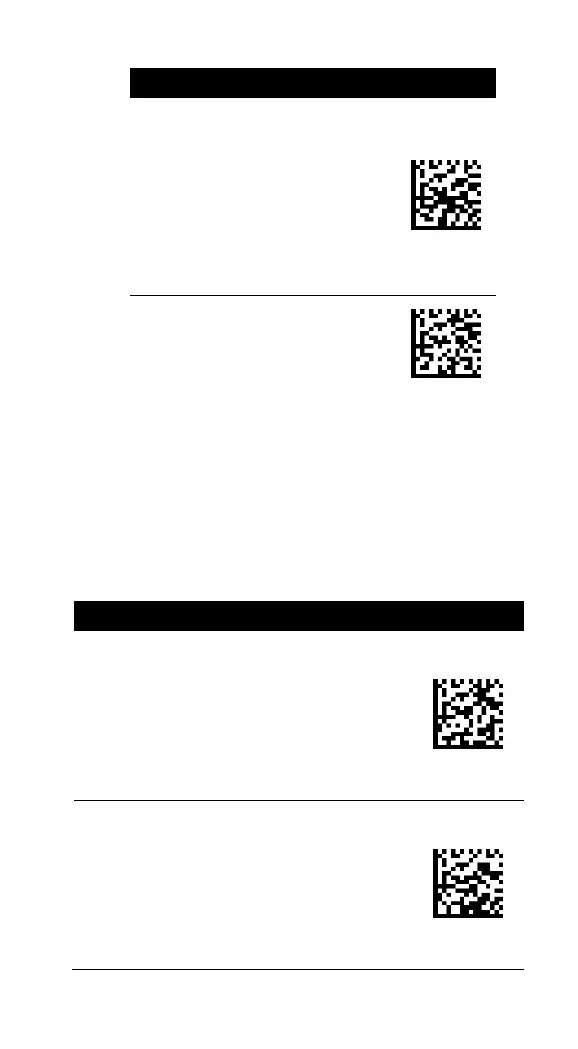
Alphanumeric keys (cradle only)
There are three key modes for data input.
When you scan bar codes, your scanner will
send bar code data as though you press keys
on a keyboard in the selected mode to enter
data.
Option
Description
Bar Code
Alphanumeric
Keys
Alphanumeric keys
are at the center of
the keyboard,
including alphabet
keys and the numeric
keys above them.
Numeric
Keypad
The keypad is located
to the rightmost of a
keyboard. You need
to select this mode if
your program only
accepts numerals.

Table of Contents

Other manuals for Argox AI-6821