67
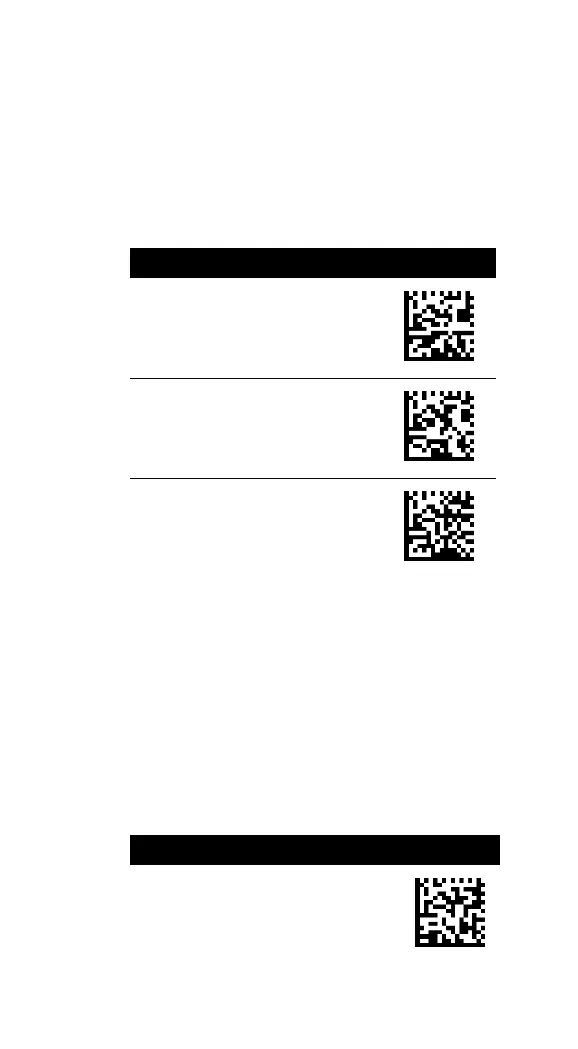
You can adjust the intensity of the fill-in light
if you feel it is too bright, but it affects the
“sight” of your scanner. The lower the
intensity, the harder your scanner sees bar
codes.
(*) Default
3.6.3 PIN code setting
When you connect your scanner to your
cradle, you need to scan the Data Matrix code
at the bottom of your cradle, or scan Enter
PIN code and scan eight digits of your cradle’s
PIN number using bar codes in Appendix D.
You can simplify the PIN code to 0000 by
scanning PIN Code:= 0000.



 To Next Page