59
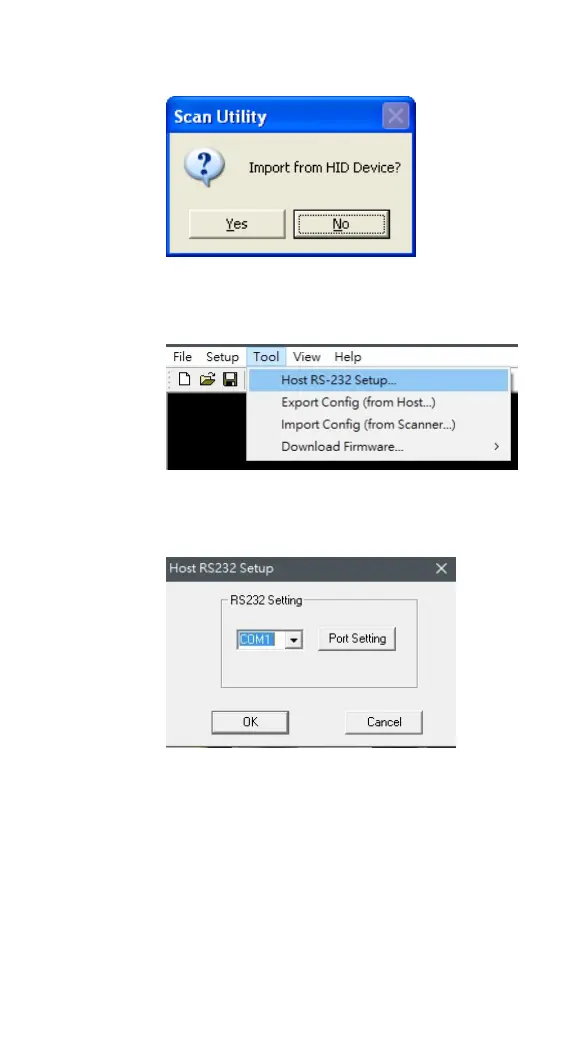
4. In the Scan Utility dialog box, click No.
5. On the Tool menu, click Host RS-232
Setup.
6. In the Host RS-232 Setup dialog box,
select the COM port your scanner is using
and click Port Setting.
7. In the Port Setting dialog box, in the
Baud rate list, select 115200 and click
OK.



 To Next Page