81
Compact Printer Series - User’s Manual
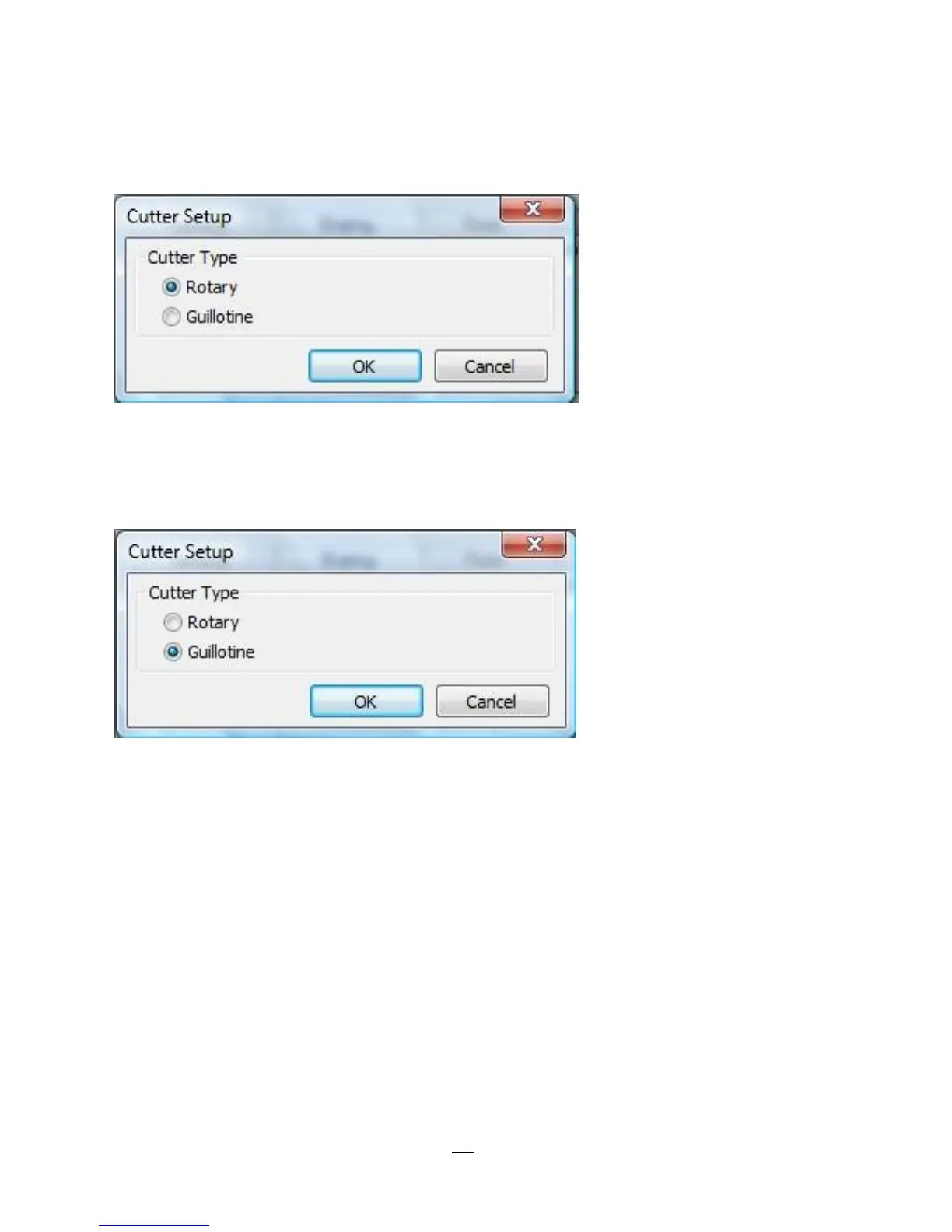
3. “Cutter Setup” prompts will be indicated as below.
Check on the radio button, “Rotary” if there’s Rotary Cutter installed.
Then click “OK“:
Check on the radio button, “Guillotine” if there’s Guillotine Cutter
installed. Then click “OK“:



 To Next Page