48
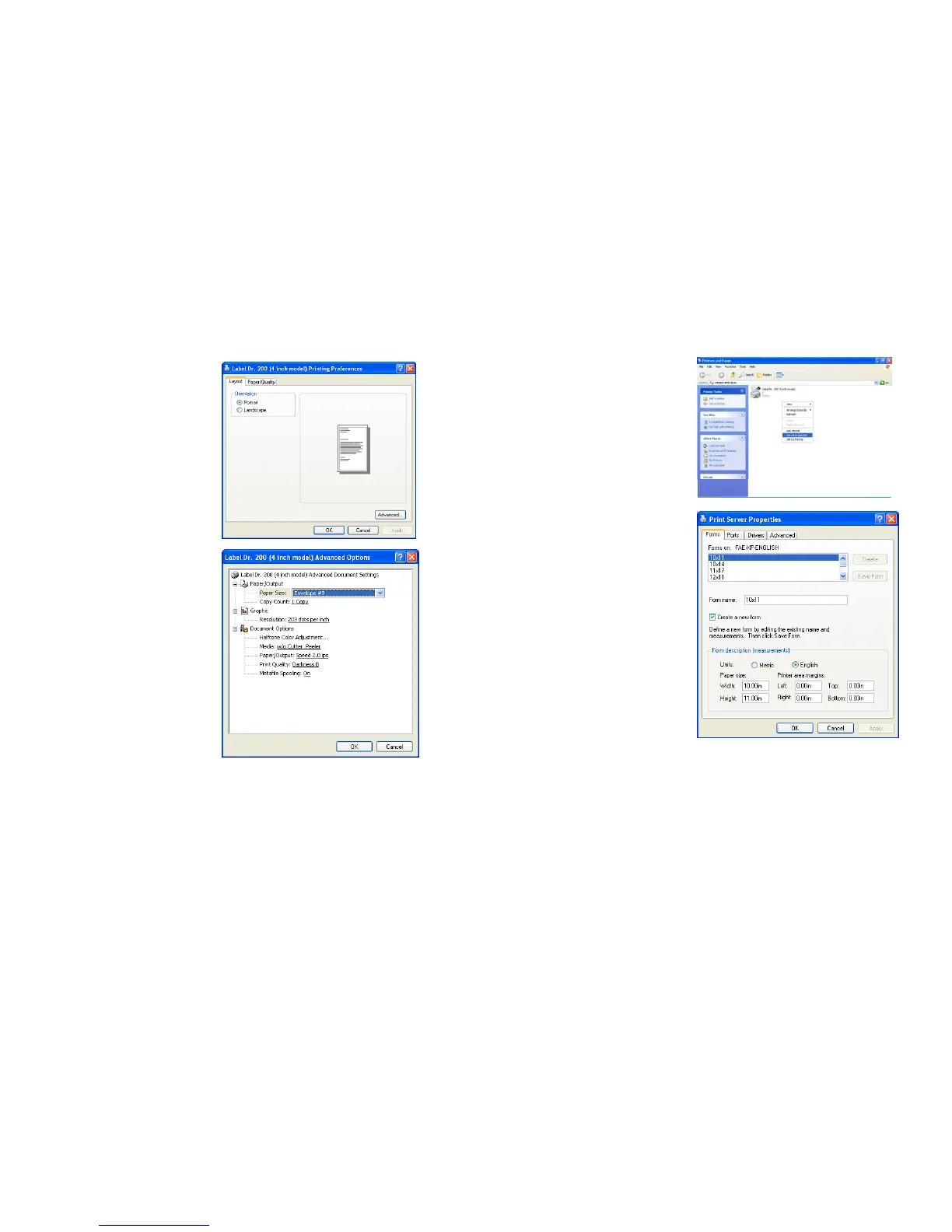
❑ Orientation ❑ Create a new size
Printing Reference menu Printer menu
→ Click "Layout". → Right click to get
→ Select "Portrait" or pop-up menu in
"Landscape". blank space.
→ Click "OK". → Select "Server
Properties".
→ Enter a form name
for the new form in
"Form name”.
→ Reset the paper size
in the specific
squares of the "Form
❑ Paper size
description"
❑ Copies
→ Click "OK".
❑ Media choice
(Accessory setting)
❑ Paper/Output (Speed)
❑ Print quality (Darkness)
Printing Reference menu
→ Click "Layout".
→ Click "Advanced" button.
→ Click each item to select
the parameters.
→ Click "OK".
47



 To Next Page