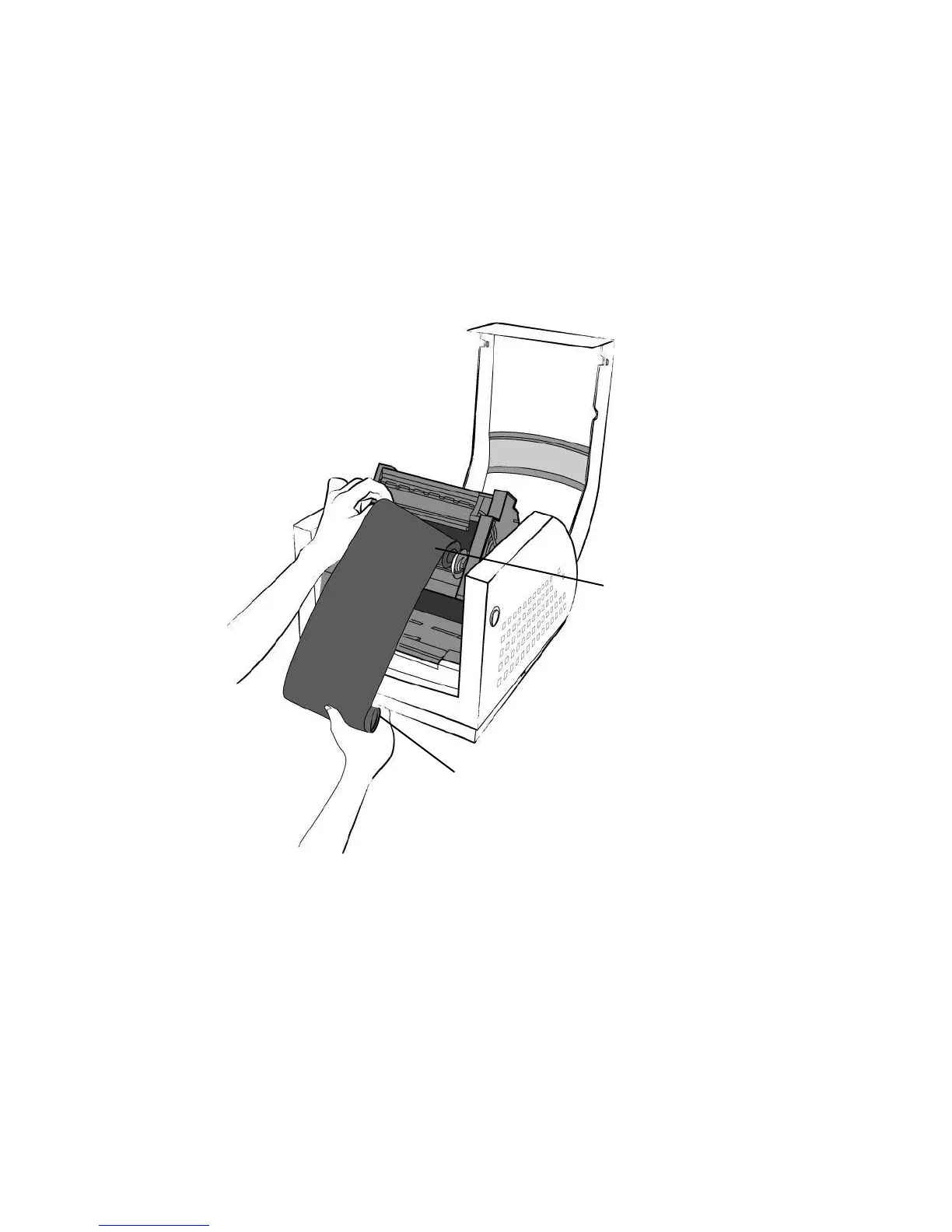
4. Unwrap the ribbon roll pack and separate the ribbon roll and
the bare core.
5. Attach the edge of the ribbon on the bare core and wind it a
little bit onto the core.
6. Insert the ribbon roll into the supply holder. (First snap in the
right side and then the left side.)
Noted:
It is the figure illustrating ribbon wound ink-side in for
R-400plus/R-600S. For R-400K plus model, please use
ribbon wound coated side out.



 To Next Page