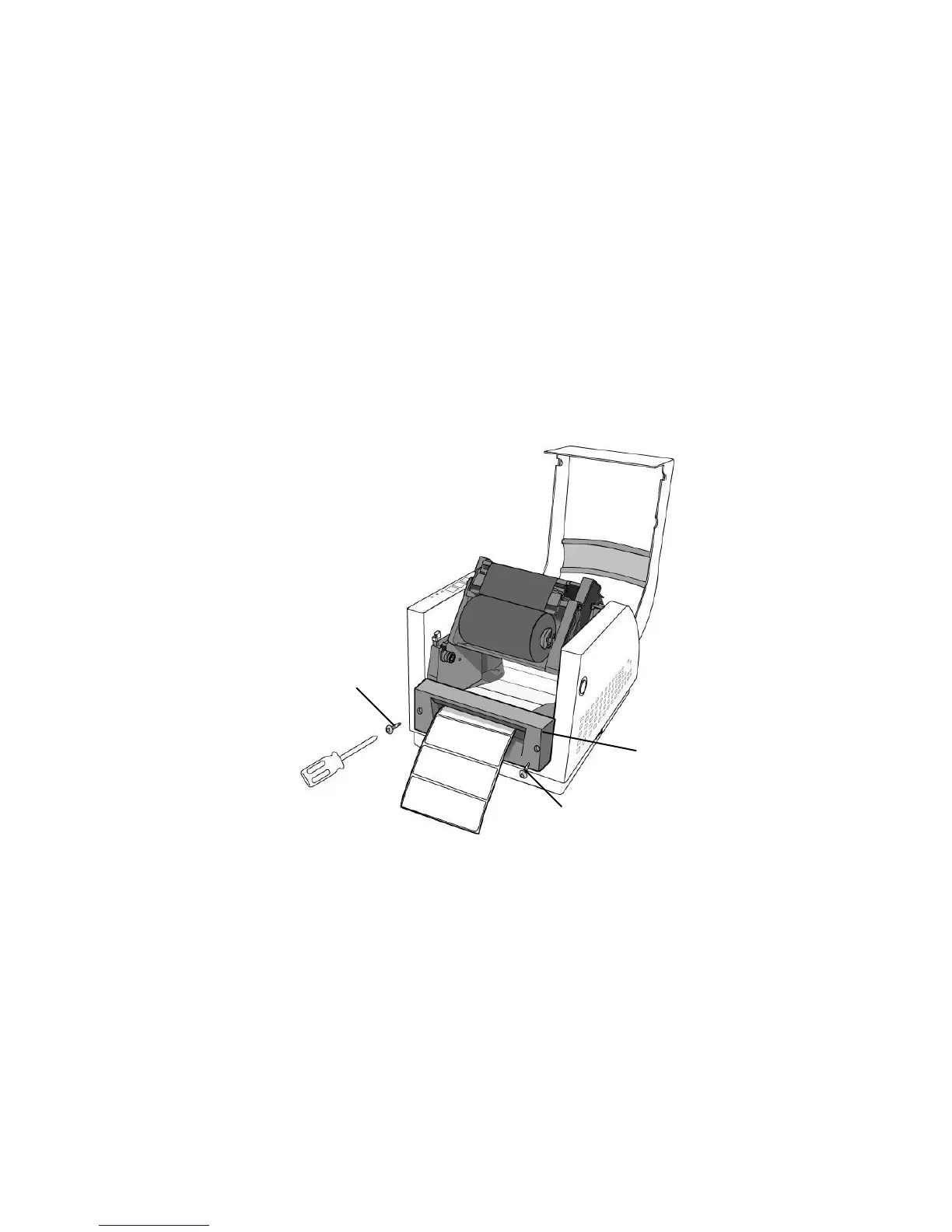
Cutter Mode
(Installing the cutter, please refer to Appendix D )
Follow the same procedure as "Loading the Media" from
step 5.1.1 to step 5.1.9.
1. Mount cutter on print head module by fastening with two
screws.
2. Thread the media over the platen roller, and then route the
media through the slot of the cutter module.
Note:
Cutter baby board must be installed prior to cutter
installation.



 To Next Page