4. Communications
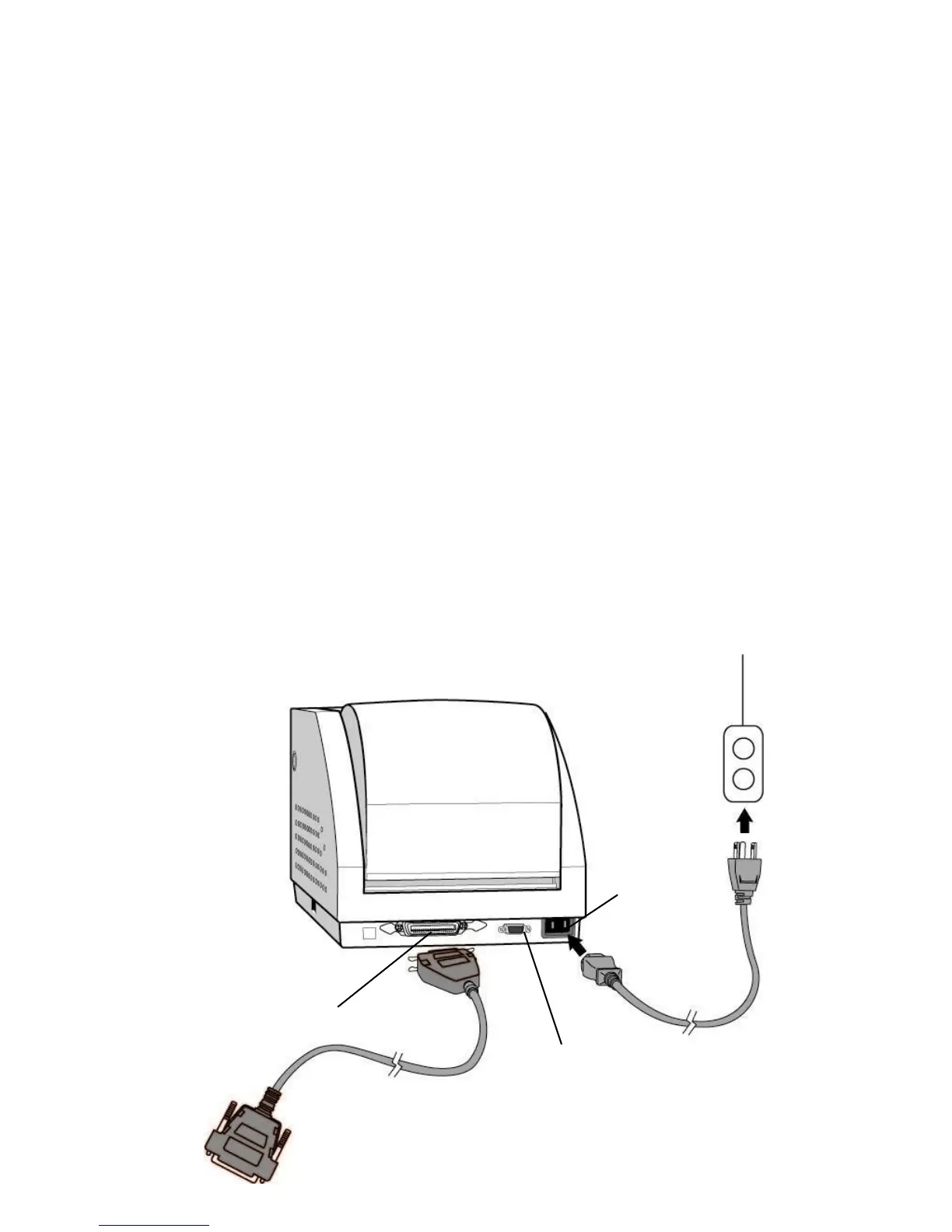
Connecting Printer to the Host
1. You can connect the printer with any standard
Centronics cable to the parallel port of the host
computer.
2. Alternatively you can connect the printer with a serial
cable to the RS232C port of your computer or
terminal. (for PC compatibles, the RS232C port is
COM1, COM2 or COM3.), USB cable, or Parallel
cable.
Note :
Using Centronics allows for a much higher communication speed
than the use of a serial.



 To Next Page