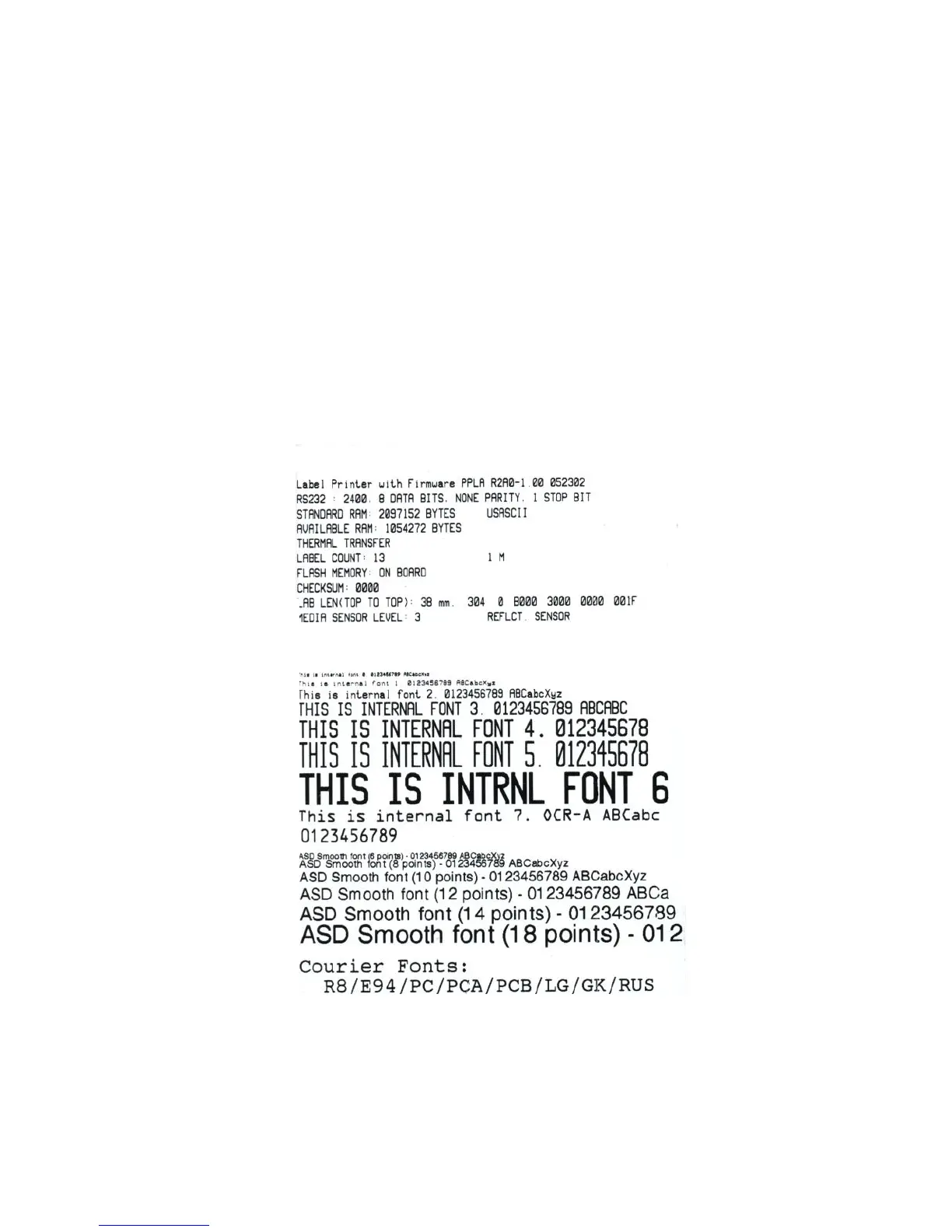
Printing Configuration Report
Performing Self Test Page
1. Turn off the printer. Press and hold the feed button.
2. Turn on the power.
3. Ready indicator blinks, release feed button.
4. The printer will print out a configuration report.
5. Ready indicator stops blinking and lights up.
6. The following information will be printed on this report.



 To Next Page