EasyManua.ls Logo

Argox R-400plus - Printer Operations; Power Switch and Buttons

Argox R-400plus
72 pages
Print Icon
To Next Page IconTo Next Page
To Previous Page IconTo Previous Page
Loading...
27
3. Printer Operations
Power Switch
Controls printer power
On-normal operation
Off-the power should be turned off before connect or
disconnect the communication cables and power cables
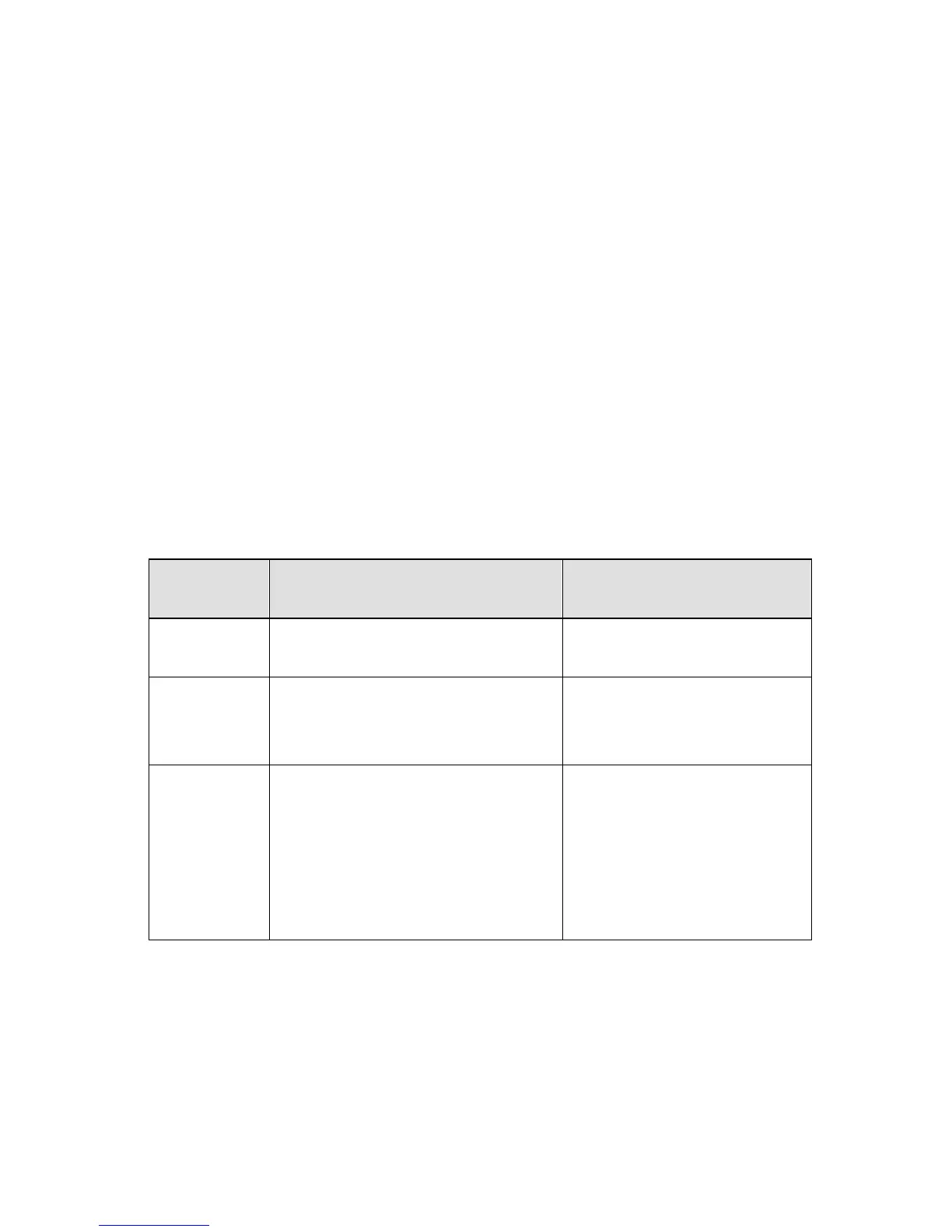
Buttons
There are three buttons, each has two basic functions.
BUTTON
Pressed at normal status
Pressed during
power-on
FEED
Feed a label.
Perform a self-test for
configuration report.
PAUSE
■ Stop the printing process.
■ Resume the printing job
after press it again.
Perform the media
calibration.
CANCEL
■ Interrupt and delete the
printing job.
■ Force the printer to
continue working after
an error had been
recovered.
Reset the settings at
E
2
PROM.

Related product manuals