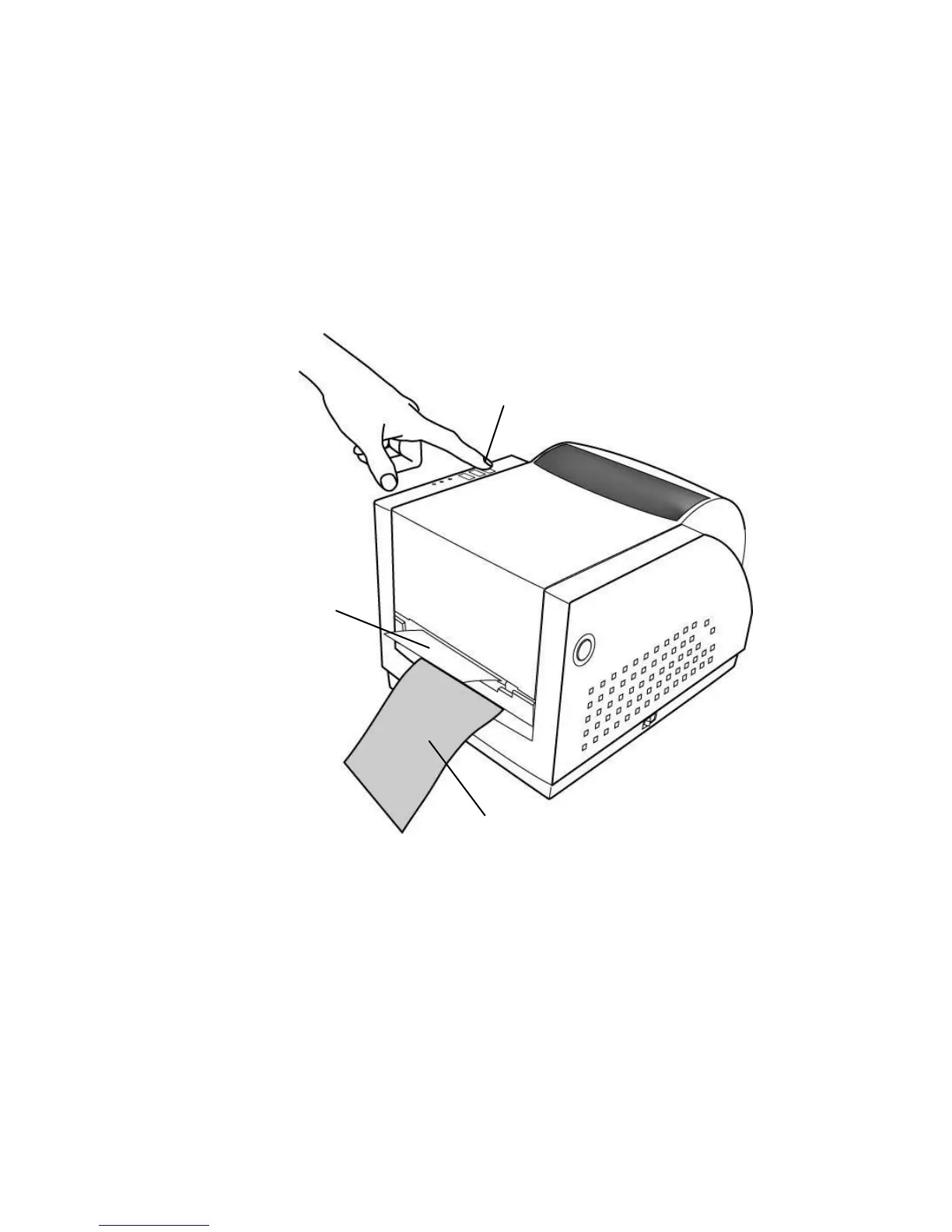
6. Latch print head module.
7. Turn on the printer and press feed button.
8. Labels will be separated from backing paper and fed out on
H cover, while backing paper will come out from the slot under
the H cover, and label will be fed out.
9. Close the top cover.
Note:
The "FEED" button will not drive the printer to peel. The
peeling work can be executed only when the software
setting is ready.



 To Next Page