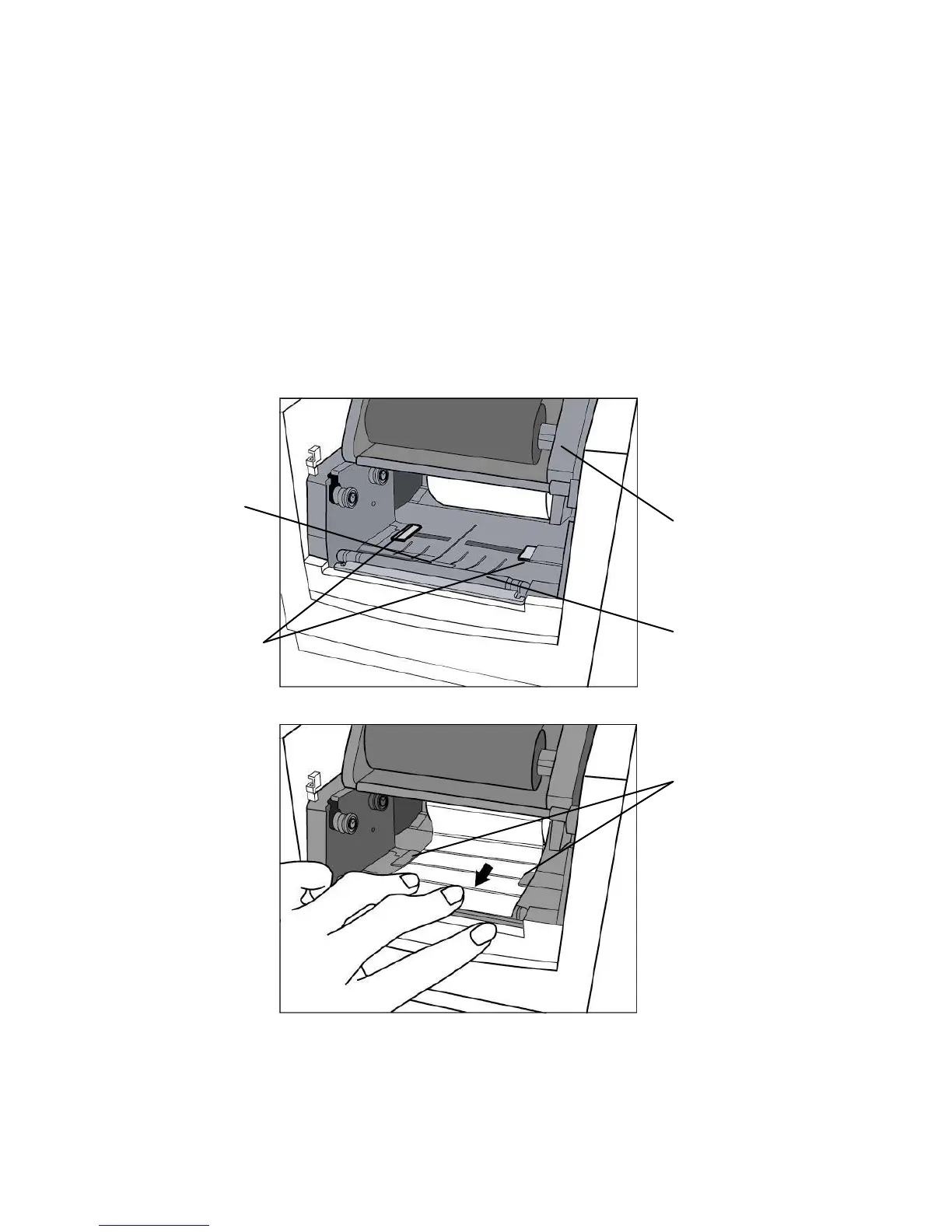
4. Unlatch the print head module.
5. Hold the print head module upright with one hand to allow the
media pass under it. Lead the media through the media guides
with the other hand. The media guides can be adjusted
centrality to well fit with different label width.
6. Route the media through the media sensor for media
detection.
7. Lead the media over the platen roller.



 To Next Page