EasyManua.ls Logo

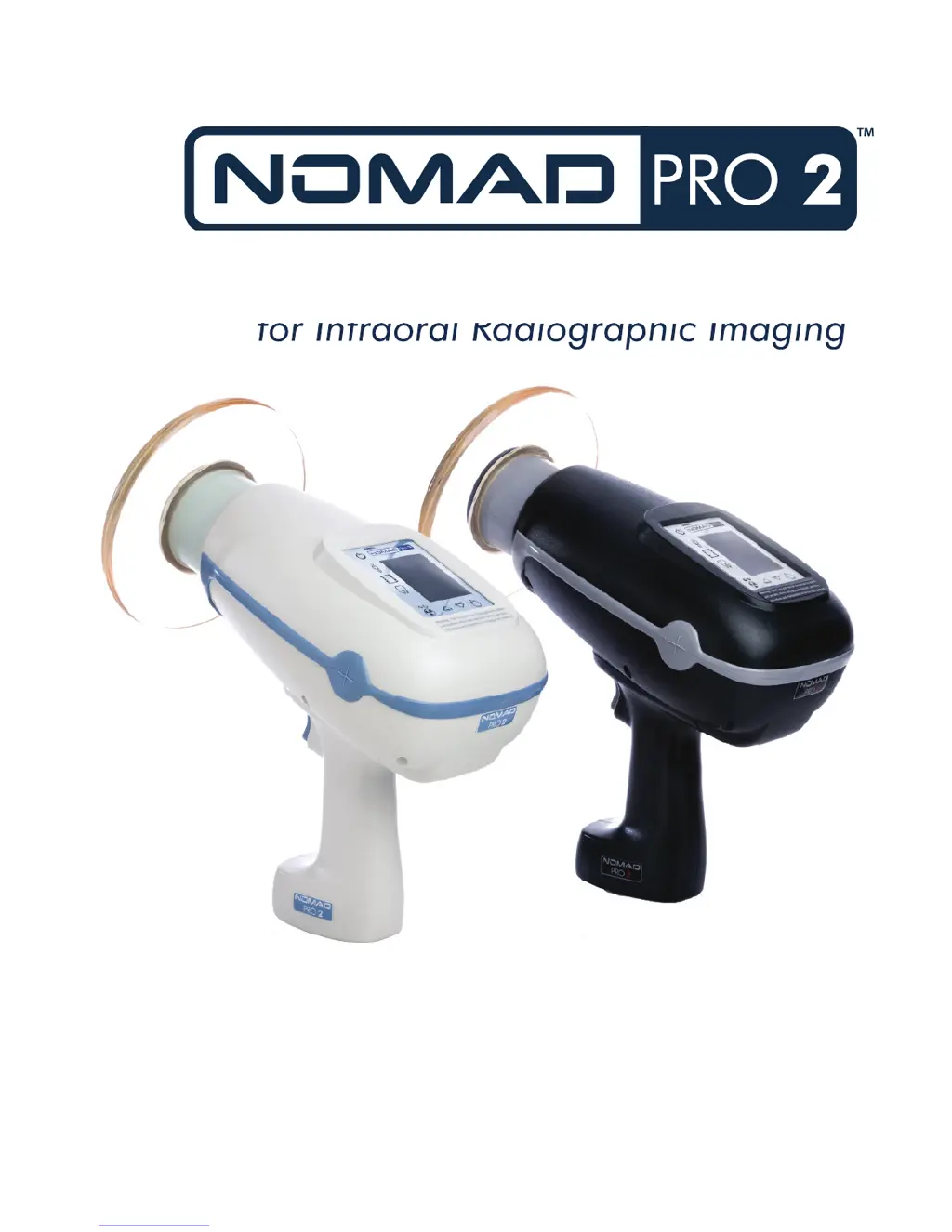
ARIBEX Nomad Pro 2 - User Manual

ARIBEX Nomad Pro 2
44 pages
Print Icon
To Next Page IconTo Next Page
Loading...
OPERATOR MANUAL
MANUFACTURED BY ARIBEX
Handheld X-ray System
for Intraoral Radiographic Imaging

Questions and Answers

  • A
    alexandriarichardsAug 25, 2025
    What to do if the 'Incomplete Exposure' alarm appears on my ARIBEX Dental equipment?
    • C
      Carla RushAug 26, 2025
      The 'Incomplete Exposure' alarm on your ARIBEX Dental equipment appears when the trigger is released before the timed exposure completes. To resolve this, ensure you depress the trigger for the full duration of the timed exposure. The alarm will automatically clear within 15 seconds or by pressing any button on the user interface panel.
  • W
    Willie PerryAug 23, 2025
    How to improve contrast in ARIBEX Nomad Pro 2 X-ray images?
    • A
      Andrew ArcherAug 25, 2025
      An X-ray image might lack sufficient contrast due to underexposure (too light) or overexposure (too dark). If underexposure is the cause, increase the exposure time. If it's overexposure, decrease the exposure time and check the film expiration date, as old film can produce dark, grainy images. Also, if you are using film-based imaging, ensure your chemical developer is fresh and at the proper temperature.

Summary

Safety Precautions

Radiation Safety

Guidelines for safe operation, operator protection, and minimizing radiation exposure.

Studies and Data on Leakage and Scatter

Presents data on radiation leakage and scatter, comparing NOMAD Pro 2 exposure levels to limits.

Setup and Power Check

The Backscatter Shield

Describes the function and adjustment of the backscatter shield for operator protection.

Operation

Ensuring the Right Exposure Time is Set

How to select and set appropriate exposure times based on patient and imaging parameters.

Initiating and Completing an X-ray Exposure

Detailed process for starting and finishing an X-ray exposure using the trigger.

Exposure Techniques

Guidance on positioning the device and patient for optimal intra-oral X-ray imaging.

Ensuring Image Quality

Features contributing to image quality and tips for achieving optimal results.

Technique Factors Settings and Adjustments

Provides pre-set technique factors and guidance for adjusting them based on patient needs.

NOMAD Pro 2 Care and Upkeep

Troubleshooting

A guide to diagnosing and resolving common operational problems and error messages.

ARIBEX Nomad Pro 2 Specifications

General IconGeneral
TypeHandheld X-ray System
Tube Voltage60 kV
Tube Current2.5 mA
Focal Spot0.4 mm
Total Filtration1.5 mm Al equivalent
DisplayLCD
UsageIntraoral Radiography
X-ray GeneratorHigh Frequency
X-ray SourceX-ray tube
Weight2.5 kg (5.5 lbs)
Battery TypeLithium Polymer
Image SensorNot applicable (external sensor required)
Battery LifeUp to 400 exposures per charge

Related product manuals