EN - 18
CHECK MOWER BLADE(S)
Check blade(s) for wear. Replace or sharpen
as necessary.
Remove Blade
Models 911607, 911609, 911608
1. Stop engine and wait for all moving parts
to stop and for hot parts to cool.
2. Disconnect spark plug wire.
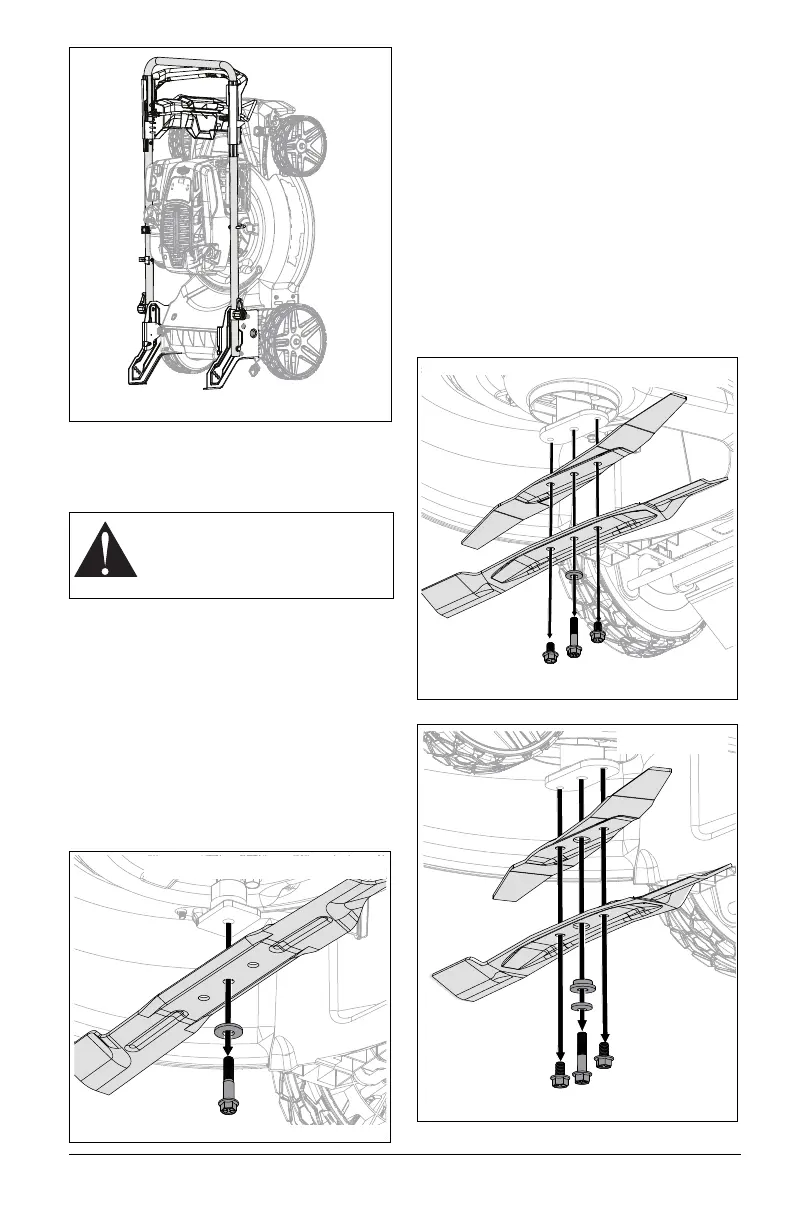
3. Place unit in service position. See
Service Position on page 15.
4. Block blade to prevent rotation.
5. Remove hardware retaining blade and
remove blade. Retain hardware. See
Figure 21.
Remove Blades
NOTICE: Some dual blade machines feature
an additional spacer. Configure per machine
specifications.
Model 911614
1. Stop engine and wait for all moving parts
to stop and for hot parts to cool.
2. Disconnect spark plug wire.
3. Place unit in service position. See
Service Position on page 15.
4. Block blades to prevent rotation.
5. Remove and retain hardware securing
blades to blade adapter. Remove blades,
washer, and if included remove spacer.
See Figure 22 and Figure 23.
CAUTION: AVOID INJURY. Use
sturdy gloves or padding to protect
hands when handling mower
blade(s).
Figure 20
Figure 21
Models 911607, 911609, 911608
Figure 22
Model 911614
Figure 23
Model 911614




 To Next Page