22CS-175-275-575 Series • LCD User Guide
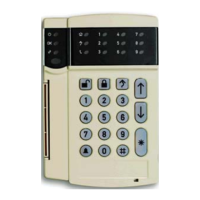
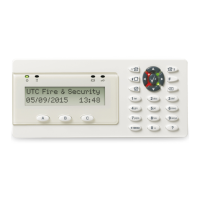
Adjusting viewing angle/brightness of the LCD (text display)
LCD Message: The system is ready to be turned on.
User Action: Press * 91.
LCD Message: The system asks for a user code.
User Action: Enter your user code.
LCD Message: Change the viewing angle of the LCD.
User Action: Use arrow keys to change followed by * to accept.
LCD Message: Change the brightness of the LCD.
User Action: Use arrow keys to change followed by * to accept.
System Ready
Type code to arm
Brighten J
Dim K
jor k$ S
$ç& S
e S
j
ork$ S
Please Enter
Your Code
Raise view J
Lower view K



 To Next Page