6CS-175-275-575 Series • LCD User Guide
Preparing your system
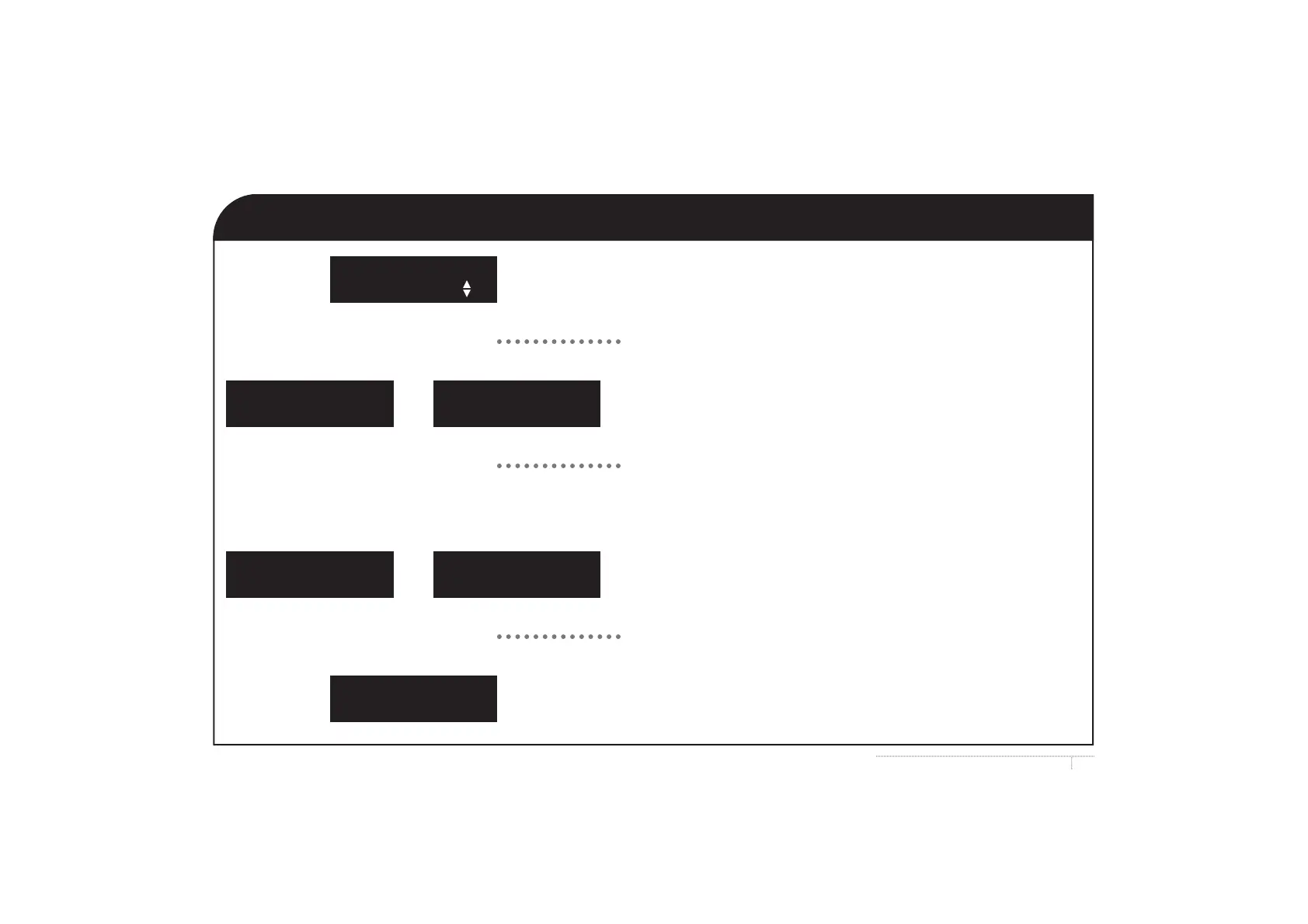
LCD Message: Your system is NOT ready to be turned on,
doors or windows might be open.
User Action: Use the up/down arrow.
LCD Message: Zone information.
User Action: Press the bypass key if you want to bypass (exclude)
a zone, so you can arm part of your system.
LCD Message: Zone information.
User Action: Press #.
LCD Message: Your system is ready to be turned on.
System Not Ready
For help, press
System Ready
Type code to arm
j or k S
i S
@ S
X Fault
Zone X
X Bypass
Zone X
or
X Fault Bypass
Zone X
X Okay
Zone X
or



 To Next Page