14Get Started
Pro 5S 2K Spotlight Camera
User Manual
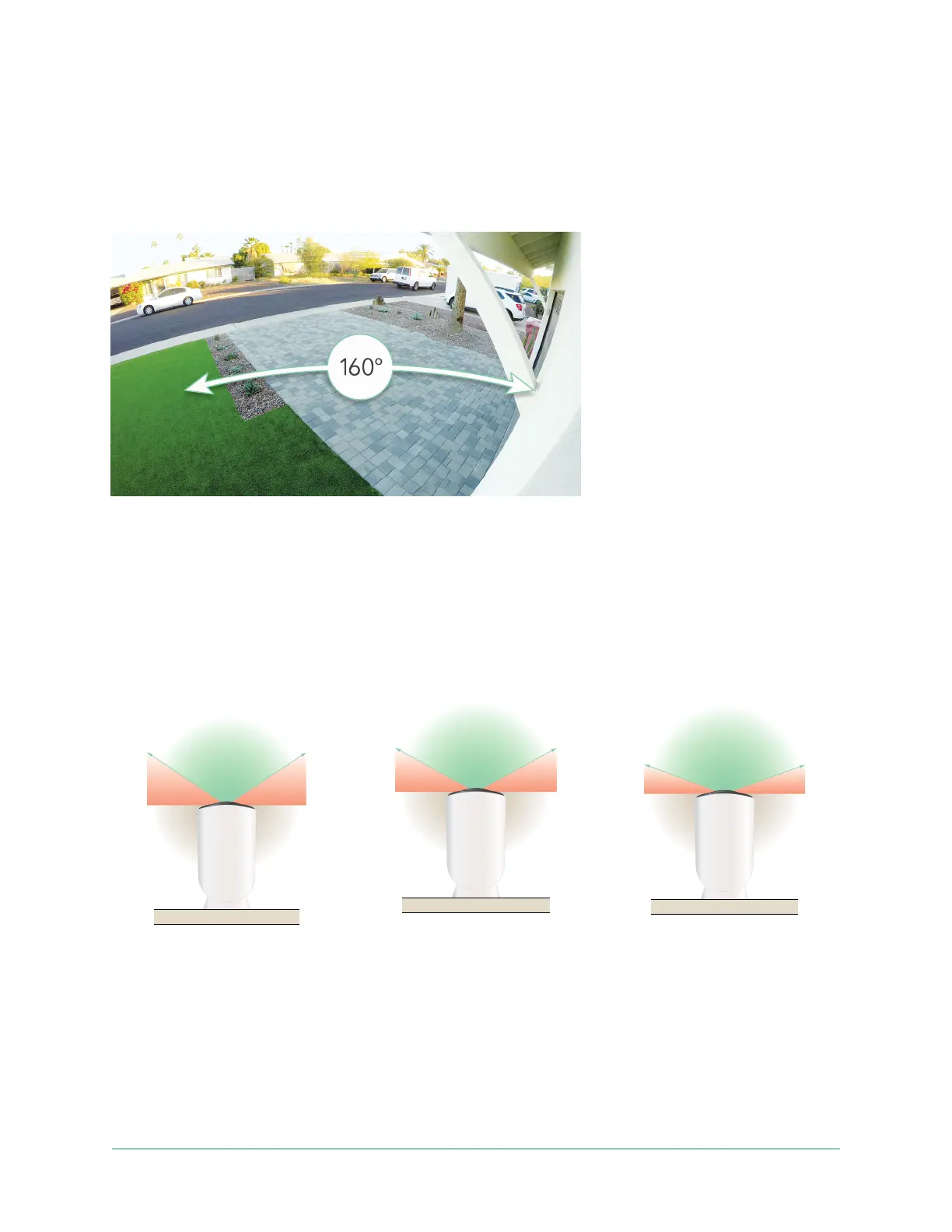
Check your camera’s eld of view
The eld of view is the area in which the camera can detect motion. You can set the eld of
view to Full (110 degrees), Wide (125 degrees), or Super Wide (160 degrees).
Arlo automatically corrects the image to reduce the sheye eect for each eld of view
setting.
Change the eld of view
You can set the eld of view to Full (110 degrees), Wide (125 degrees), or Super wide (160
degrees).
1. Open the Arlo Secure App.
2. Tap Devices.
3. Select the camera.
110°
125°
160°



 To Next Page