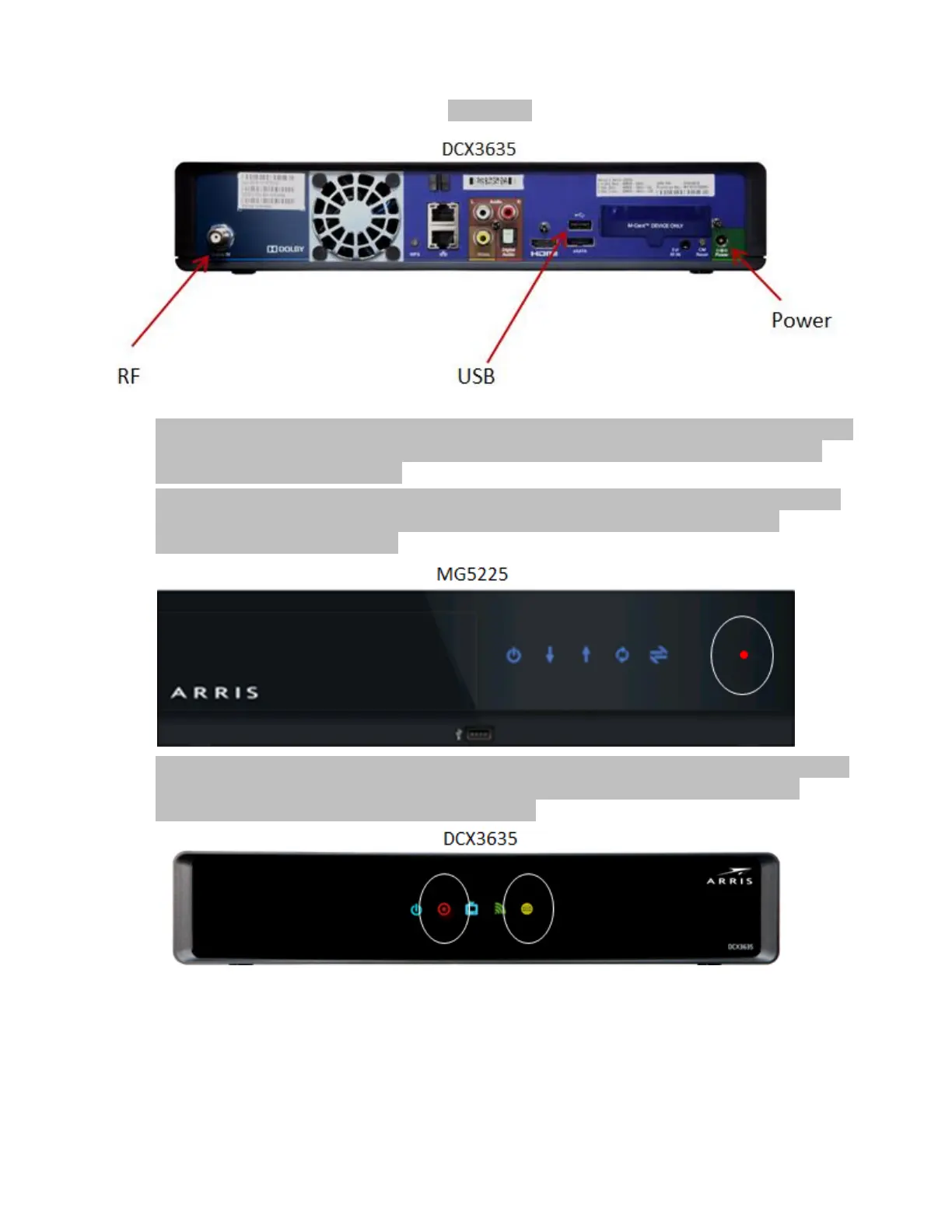
Figure 1:
During the boot process, the Gateway’s cable modem first locks onto the downstream and then
the upstream, registers with the CMTS, downloads the CM configuration file, and starts the
cable modem firmware upgrade.
All of the MG5225 cable modem LEDs light up and become solid (not blinking) when the cable
modem becomes online. The red Record light then begins to flash, indicating that the
warehousing process has started.
The DCX3635 does not have cable modem LEDs but the yellow High Speed Data light becoming
solid indicates that the cable modem is online. The red Record light then begins to flash,
indicating that the warehousing process has started.













 To Next Page