Revision 1 Media Gateway/Media Player 3.0.5 Provisioning and Installation Guide
Copyright ARRIS Enterprises, Inc. 2015. All Rights Reserved. 39
Chapter 3
Installing Whole Home Solution Devices
ARRIS Media Gateways include both "headless" (MG5xxx) and "headed" (DCX3635) gateways. Headless
gateways require at least one media player in order to play video while headed gateways can connect
directly to TVs without requiring a media player.
MG5xxx Installation
An installation of The ARRIS MG5xxx consists of:
One Media Gateway
One or more Media Players
One MS4000 Media Streamer (optional)
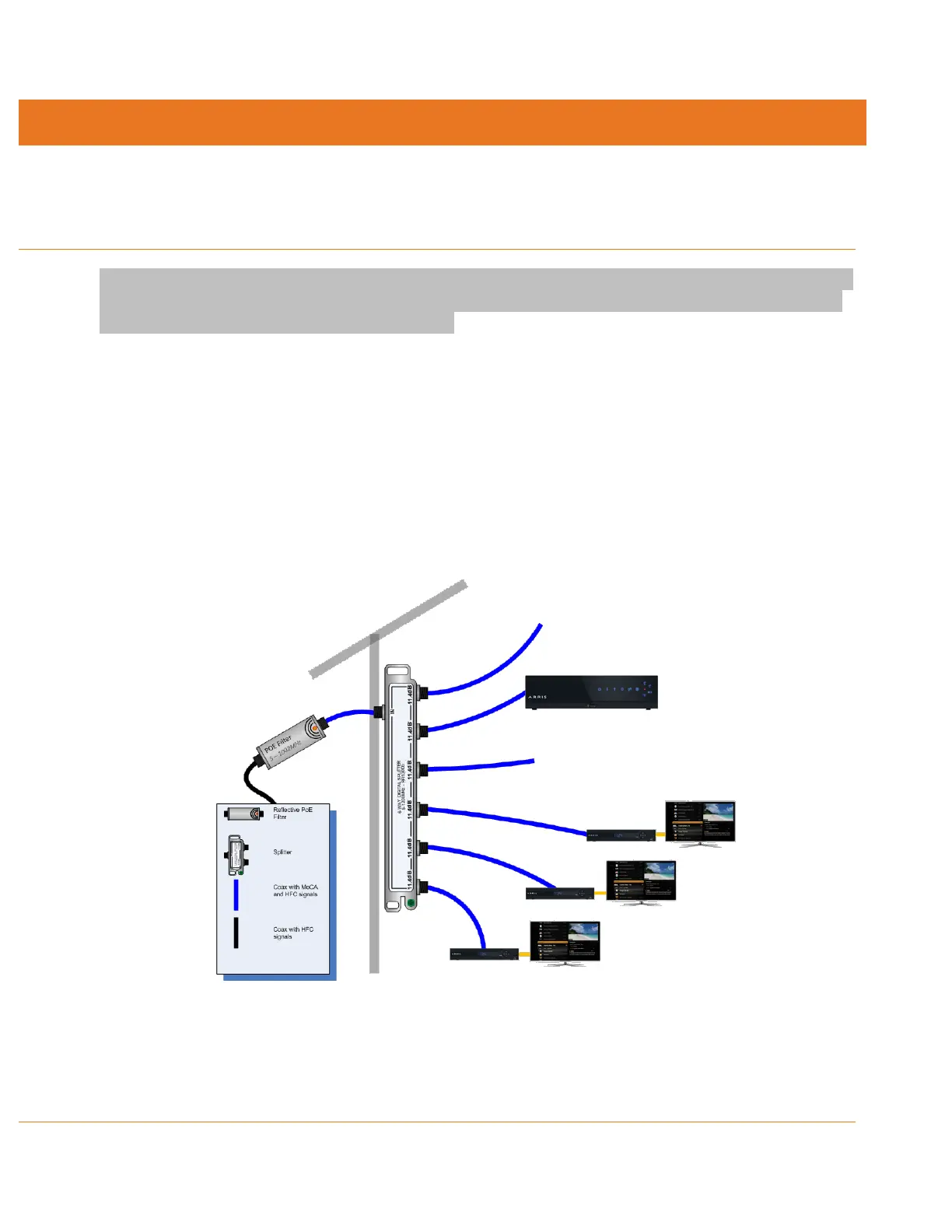
The Media Gateway should be placed off the first splitter at the cable entrance to the house. An
additional splitter may need to be added for the remainder of the cable network.













 To Next Page