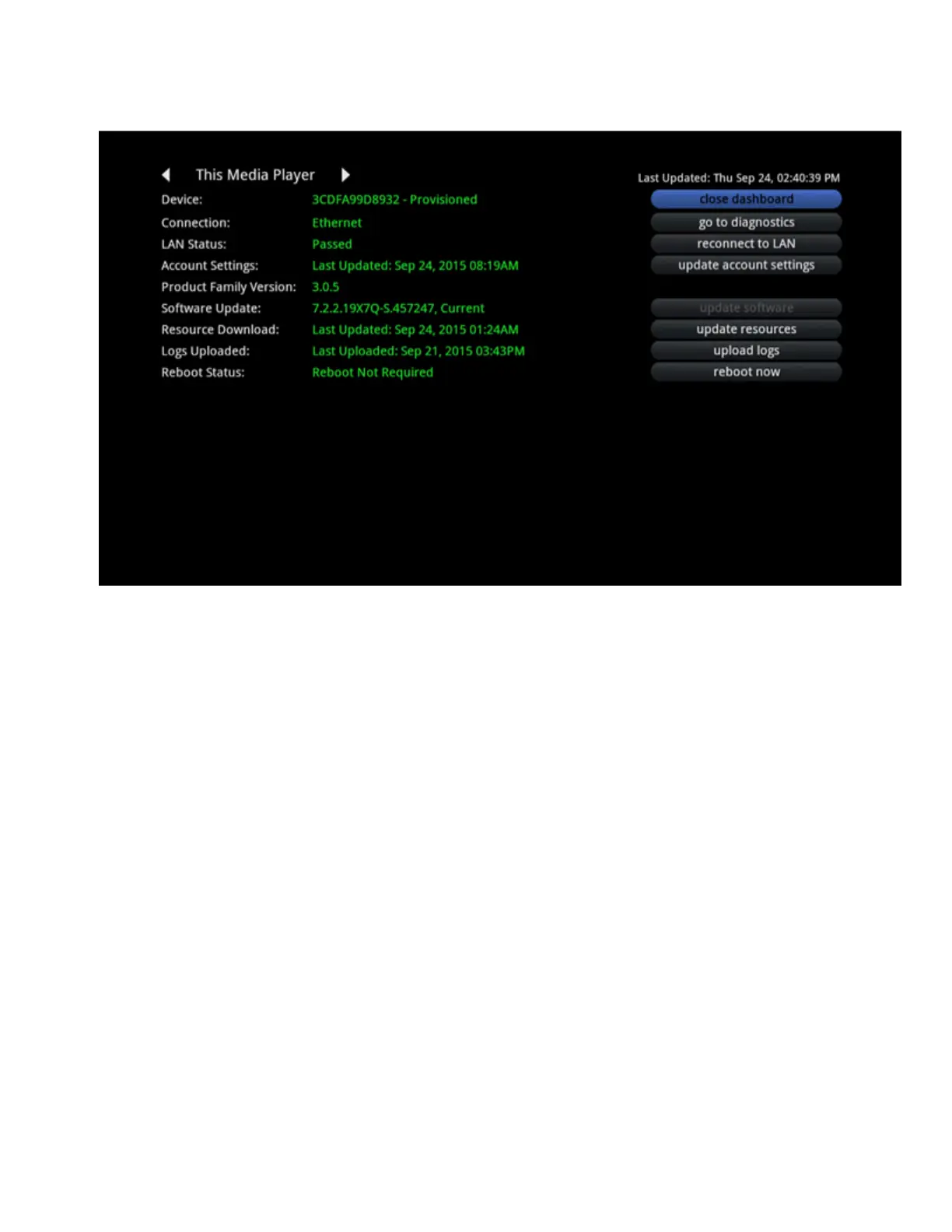
Installation Dashboard Options
If a headend location and channel map have not been set on the customer account, the Installation
Dashboard menu includes the following options:
Location: Selects a Headend.
Channel Map: After selecting a Headend, displays the Channel Map options.
Confirm Changes: Saves changes made to the Location and Channel Map options.
After saving the settings, the Media Player sends the settings to the Portal. If successful, the Media
Player is notified. The Media Player then notifies the Media Gateway which does the following:
1. Downloads the latest context settings to pick up the new Location (Headend) and Channel Map.
2. Begins EPG and VOD downloads.
3. Notifies all Media Players on the network that installation is complete.
The Media Player used by the Installer displays confirmation that the installation is complete
and that EPG/VOD downloads are running.
All other Media Players download the latest context settings and close their Installer Tools.













 To Next Page