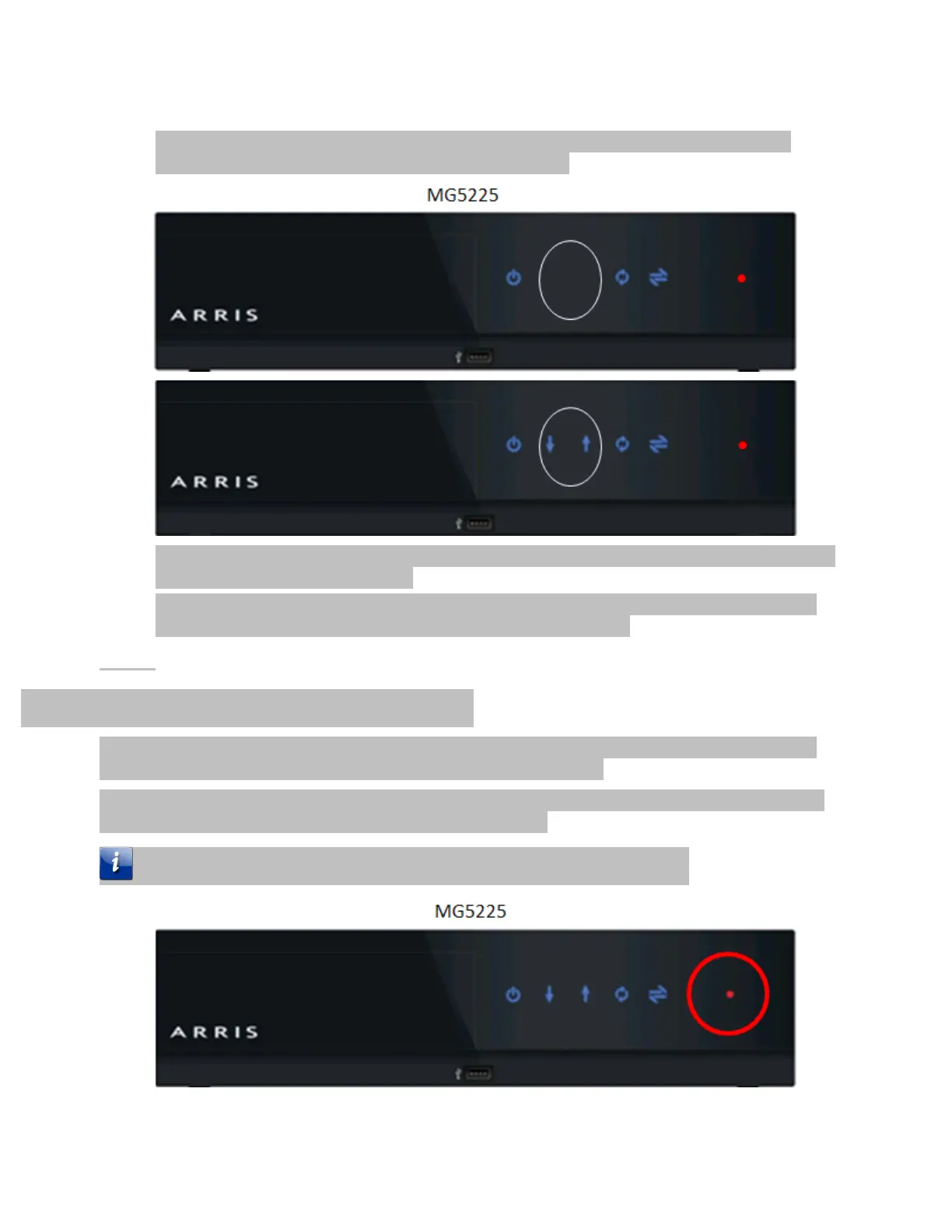
During the cable modem firmware upgrade on the MG5225, both the downstream and
upstream LEDs begin to slowly flash on and off in unison.
The DCX3635 does not have any cable modem LEDs so no LED pattern showing cable modem
firmware download status displays.
When the cable modem download is complete, the Gateway reboots and then applies and
starts the video side of the warehousing process automatically.
Media Gateway Video Warehousing
When the Cable Modem firmware upgrade completes, the video side of the Media Gateway starts
automatically. This section describes the video warehousing process.
After the Cable Modem Firmware upgrade is complete, the red Record light continues to illuminate
showing the Gateway is performing the warehousing process.
The lack of any blink pattern should also be treated and a (Error Condition)













 To Next Page