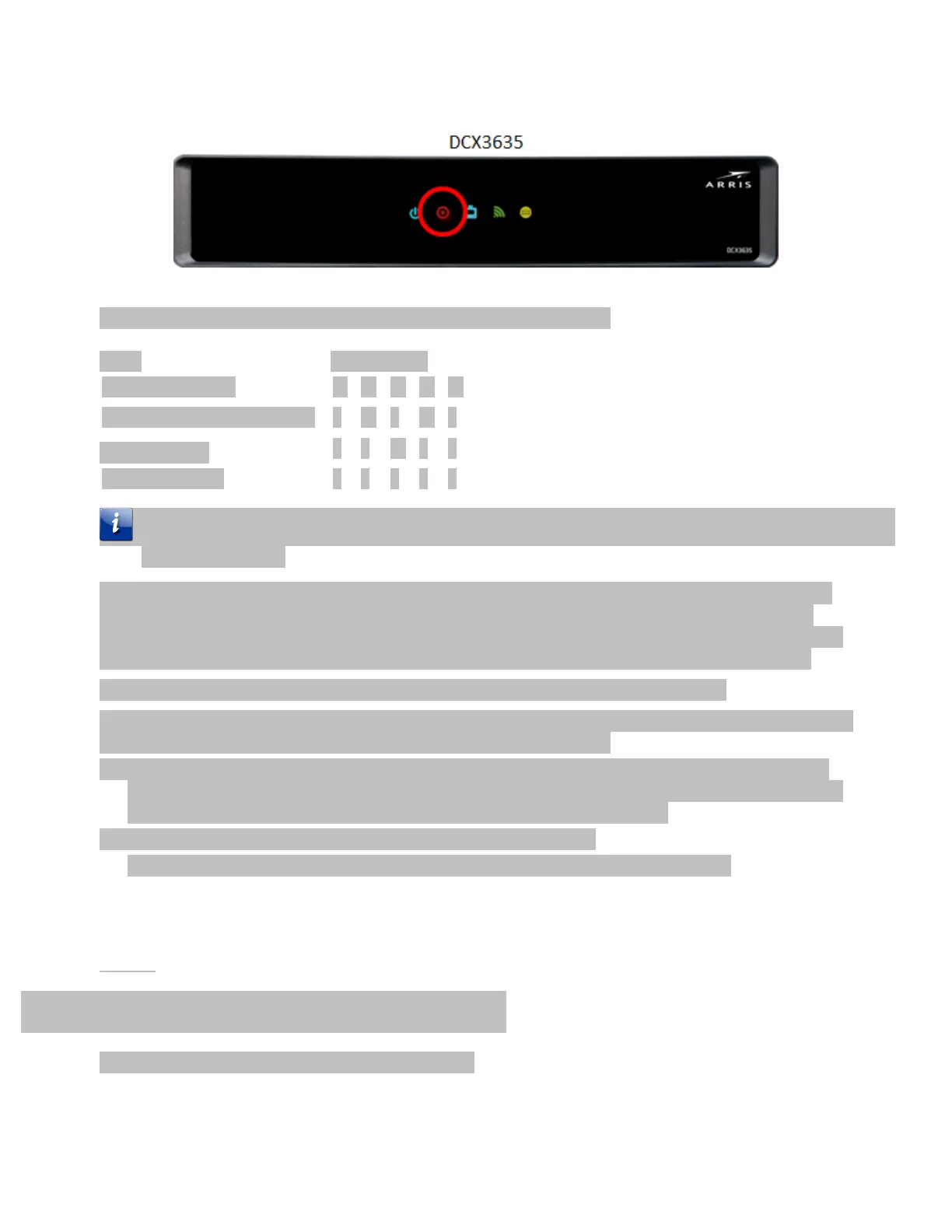
The following is an illustration of the LED patterns and their meanings.
Startup and normal processing
In the case of an error condition, the Media Gateway retries until the error condition is corrected or the
device is re-booted.
The Gateway contacts the ARRIS Portal, downloads warehouse context settings that will redirect the
Gateway to the AHS (ARRIS Headend Server), and then downloads the warehouse target software
version. When this process completes, all previous customer settings and DVR recordings are deleted,
the Gateway reboots and downloads a second copy of the warehouse software targeted version.
When the RED record light changes to the fast blink pattern, the upgrade is complete.
If you are using a Cisco CableCARD, Media Gateway Warehousing is complete. If you are using an ARRIS
DAC Cable CARD, perform the following steps to stage the CableCARD.
1. Scan or enter the CableCARD serial number into the billing system emulator or DAC and send an
onplant Init. The CableCARD takes the init and begins to download firmware. The download
typically takes 10 minutes to complete, depending on network bandwidth.
2. Send the CableCARD a Refresh then a validate from the DAC.
This step switches the CableCARD from out of band mode to Advanced DSG mode.
Media Player Warehousing Process
Use this procedure to pre-provision a Media Player.













 To Next Page