4. The Media Player contacts the ARRIS Portal, downloads the warehouse context settings that
redirect the Media Player to the AHS (ARRIS Headend Server), and downloads the warehouse target
software version. This process also deletes any previous customer settings and then reboots and
downloads a second copy of the warehouse target software version.
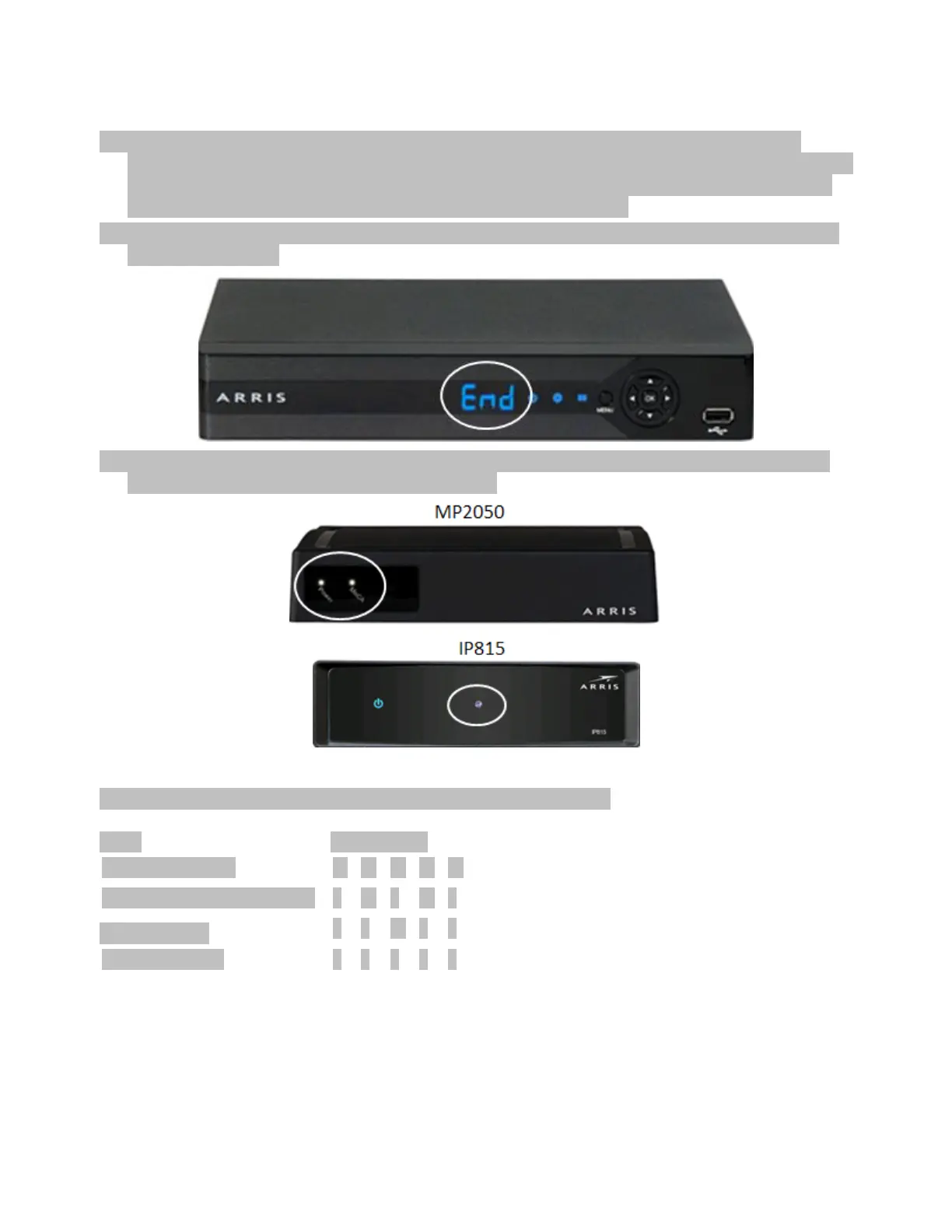
5. The MP2000 and MP2500 Media Players both have a front LED display that reads "End" when the
process is complete.
6. The MP2050 and IP815 Media Players do not have an LED display and status of the warehousing
process is displayed using lights on the front panel.
The following is an illustration of the LED patterns and their meanings.
Startup and normal processing













 To Next Page